
Create Your Desk Concert
Create Your Desk Concert
Add a short chorus, or leave blank for a tune without words. Words may vary.
0/200
15-second video with music
Add a photo for Lead Singer.
Example video. Your photos create a new performance.
Your cast, your arrangement and a freshly generated song.
Make an Original Tiny Desk AI Concert
The Tiny Desk AI trend turns a small, intimate concert into a playful way to introduce a cast. ViewMax creates a new desk-concert performance from one to five character photos. Choose a session, assign portraits to named roles and create a 15-second musical video. Your performers can be people, animals or a mixed cast; each uploaded image defines a specific member of the ensemble.
The compact editor offers seven original arrangements: Warm Soul Session, Indie Room Session, Pop Duet, Harmony Circle, Desk Ensemble, Soul Duet and Animal Choir. Each arrangement has genuine role choices, from a guitarist or drummer to a saxophonist and backing singers. Duets require both lead portraits; the other presets need the first vocalist, with optional supporting roles. An empty role is filled by a newly designed musician.
You can add a short original chorus or leave Lyrics blank for a wordless vocal hook. Music and pictures are created together, including the performers’ singing and playing. Choose a vertical video for a phone-friendly post or a horizontal video for a wider band view. Watch the concert examples below for ideas about your cast and musical mood.
Review the displayed ViewMax credit quote before generating. Every concert is 15 seconds long and comes with music. As with other AI performances, photo likeness, anatomy, lyric wording and vocal timing can vary. A clear portrait and a simple, concise chorus give the model a focused starting point.
- Seven original band presets
- One to five character photos
- Optional short lyrics
- Generated music and performance
- Portrait or landscape MP4
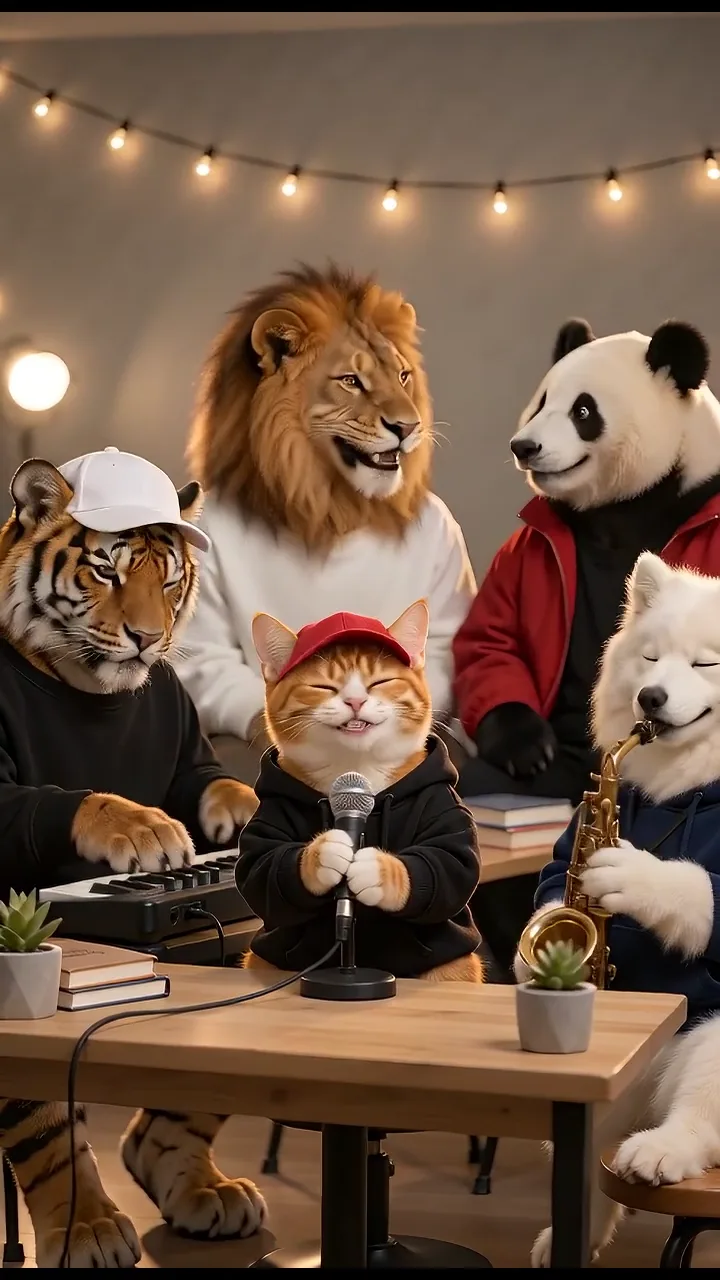
Concert Video Examples
Watch a few small-room performances and find a mood for your cast.
How to Make Your Photo-to-Concert Video
Build a small cast and an original musical moment in one form.
Choose Your Session
Select a preset and read its arrangement. The upload cards change to the relevant vocal and instrumental positions.
Upload Your Performers
Add one clear subject per role. Required vocalists are marked, and optional positions can be left for newly generated musicians.
Add Lyrics and Choose a Frame
Add a short chorus, or leave Lyrics blank for a tune without words. Choose Vertical or Horizontal.
Generate, Review and Download
Check the live credit quote, generate once, and preview the new music and performance before downloading the MP4.
A Small Concert Built Around Your Cast
Choose your cast, a musical style and a short chorus in one simple form.
Seven Arrangements with Real Role Choices
Warm Soul Session and Indie Room Session offer a compact band. Pop Duet and Soul Duet feature two lead voices. Harmony Circle emphasizes vocal positions, while Desk Ensemble and Animal Choir include saxophone, keyboard and two backing singers.
One Photo for Each Named Performer
Each upload card names the musician it controls. Fill one role or a full ensemble, replace an image when needed and watch the visible upload count. Only the current preset’s visible roles enter generation; switching arrangements does not send hidden photos.
Short Lyrics or a Wordless Hook
Add a short chorus for your performers to sing, or leave Lyrics blank for a tune without words. Keep it short so it fits 15 seconds. Wording and timing may vary in the finished song.
New Music and Pictures Together
Create a fresh performance and song together. Your band plays in a cozy room with a desk, books, plants and warm lighting. There is no need to upload a performance video or song.
Human Portraits and Animal Characters
Use clear, single-subject portraits. Human references stay human; animal references are directed to retain their species, fur, ears and paws. Animal Choir fills unused roles with animal musicians, while other arrangements may create distinct supporting performers.
A Frame for Your Destination
Every concert is 15 seconds long. Choose Vertical for a phone-friendly post or Horizontal for a wider view of the band. Download your video with its music when it is ready.
Original Concert Ideas to Share
Choose people or animal characters with a clear connection to your message.
A Five-Animal Choir
Cast a cat on vocals, a dog on saxophone, a tiger at the keys and a lion and panda on backing voices. Keep each species in its own photo.
A Friends’ Band
Give friends named vocal and instrumental roles, then create a short musical greeting with an original hook.
A Birthday Duet
Upload both required vocalists and write a brief celebratory chorus for a newly generated duet.
A Creative Character Showcase
Bring a consistent set of fictional or animal portraits into a warm rehearsal-room performance for a project update or character introduction.
Find an Arrangement for Your Cast
The seven presets change the instrumental roles and musical direction.
Warm Soul Session
A lead voice, acoustic guitar, keyboard and drums form a relaxed quartet.
Indie Room Session
A singer, bassist, drummer and keyboardist create an intimate upbeat band.
Pop Duet
Two required vocal portraits share the lead with bass, drums and keys behind them.
Harmony Circle
Four vocal positions and a keyboardist focus on a small-room chorus.
Desk Ensemble
Lead vocals, saxophone, keyboard and two backing voices make a lively ensemble.
Soul Duet
Two featured voices trade phrases over acoustic guitar, keyboard and drums.
Animal Choir
An animal lead, saxophonist, keyboardist and two backing singers make a playful five-member band.
Give the Model a Clear Musical Brief
Simple portraits and concise lyrics improve the starting material.
Works best
- Upload one recognizable person or animal per image, with the face and ears visible.
- Use a sharp portrait or upper-body photo with even lighting and natural proportions.
- Check the role labels after changing the session, especially the two required vocalists in a duet.
- Keep lyric lines short enough to sing naturally in a 15-second hook.
- Use Replace Photo or remove an upload if it belongs to a different role.
- Review all visible performers, music, lyric wording, hands and paws before sharing.
Avoid
- Group photos that leave the intended subject ambiguous.
- Heavy filters, sunglasses or crops that hide facial features and markings.
- Long verses, dense paragraphs or scene instructions in the Lyrics field.
- Stage directions or formatting commands in your lyrics.
- Expecting exact wording, perfect lip synchronization or identical results on every generation.
- Starting another paid generation while an accepted task is still processing.
ViewMax Through Creators’ Eyes
See how creators bring favorite images into their own video stories.
More AI Video Templates Like Tiny Desk AI Trend
Try another trending effect with the same photos.
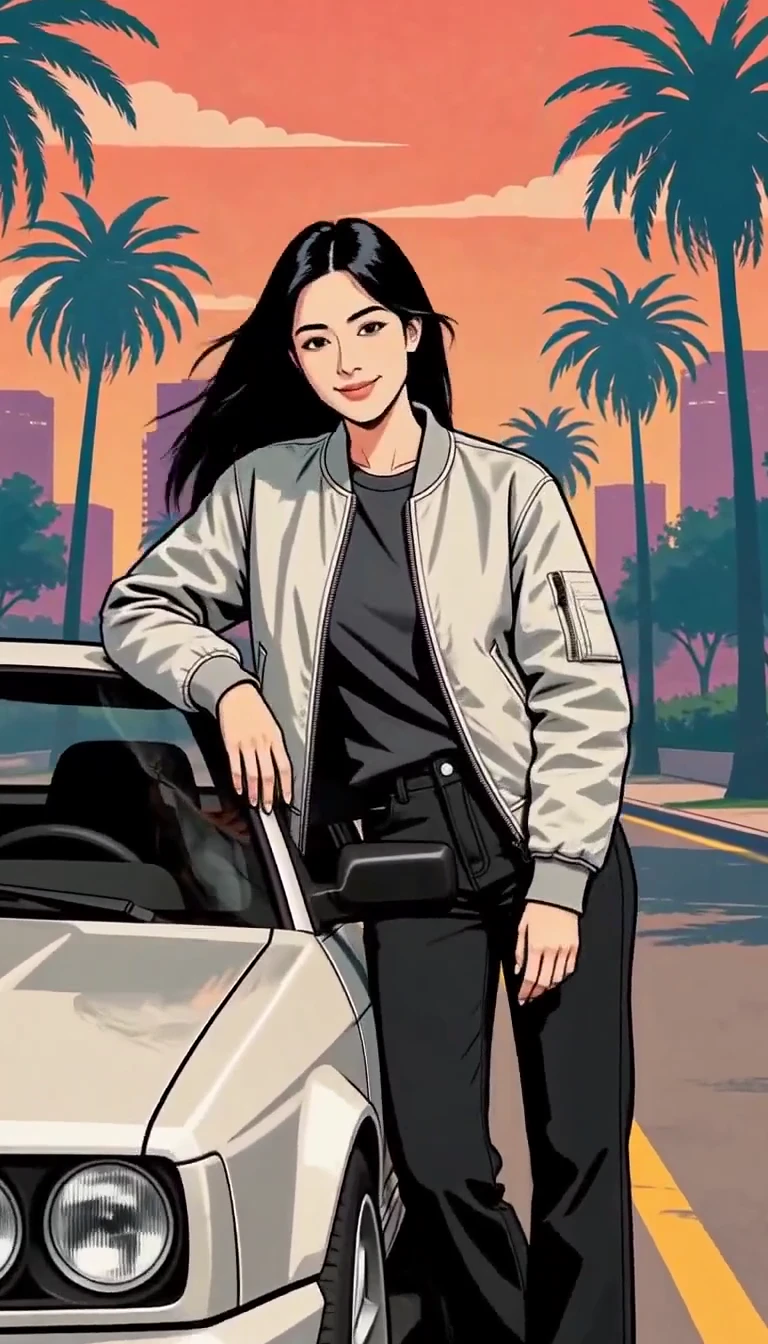
GTA Style AI Generator
Turn one photo into an illustrated city character reveal.
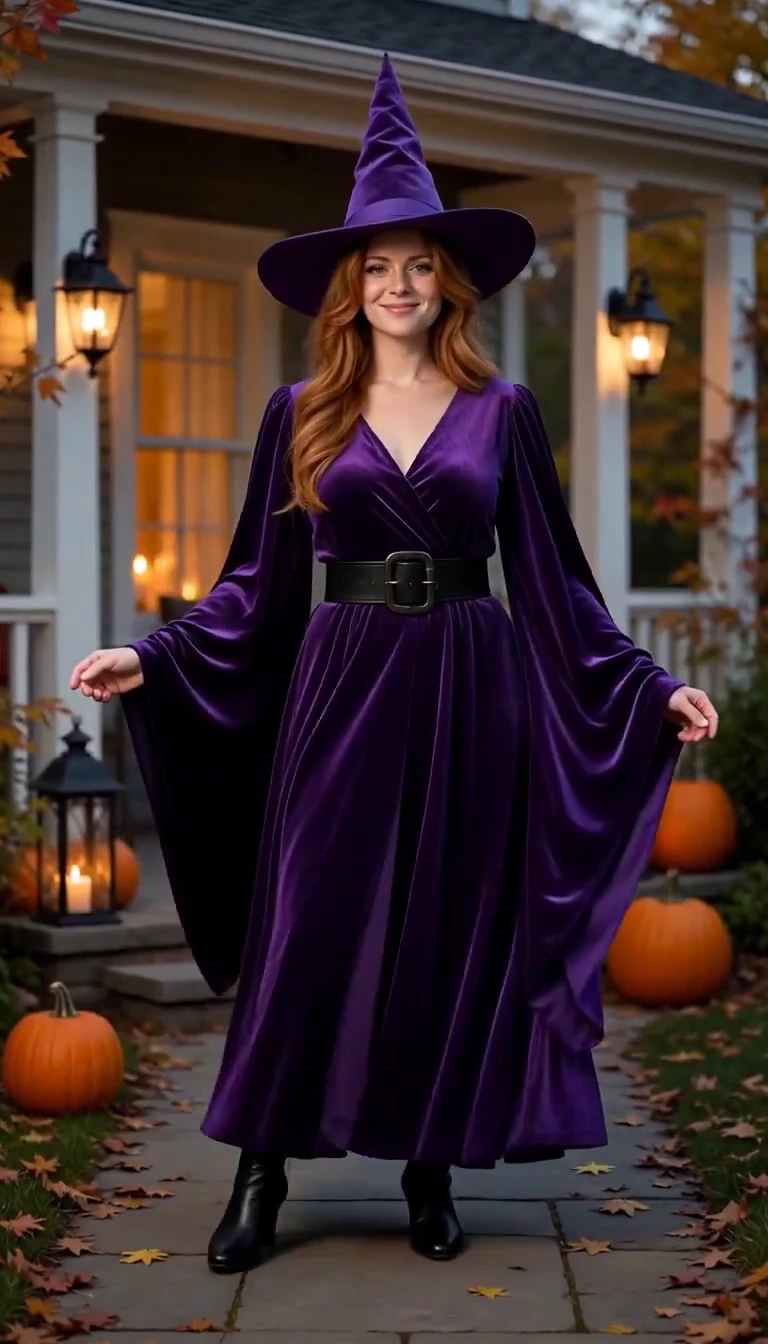
AI Halloween Costume Transformation
Reveal a witch costume with a turn, violet smoke and a final pose.
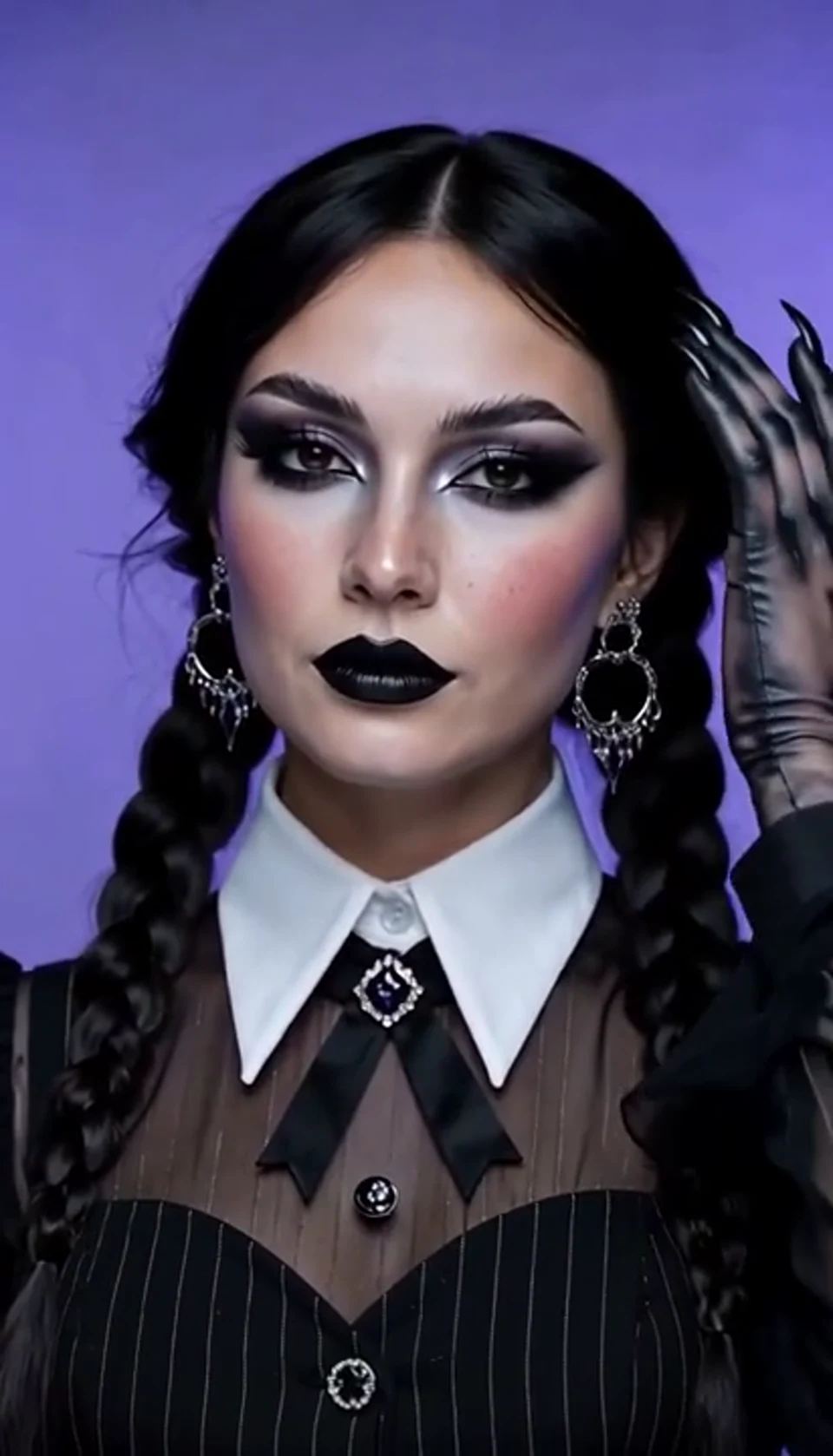
AI Halloween Video Effect
A theatrical hand swipe reveals a gothic costume. Bring your own photo into the scene.
AI Ceiling Fan Transition Video
One fan-blade wipe reveals your next outfit. Bring your own photo into the scene.
Tesla Roadster & Flying Car AI Video Generator
Turn your car photo into a Tesla Roadster-inspired ramp launch, kickflip or thruster landing. Explore nine flying car scenes, including traffic escape and tunnel walls.
Ozil Goal AI Video Generator
Put a new hero into a chip, dribble and empty-goal finish.
AI Gas Station Dance Video
A sunset dance, a selfie and a cinematic car exit. Bring your own photo into the scene.
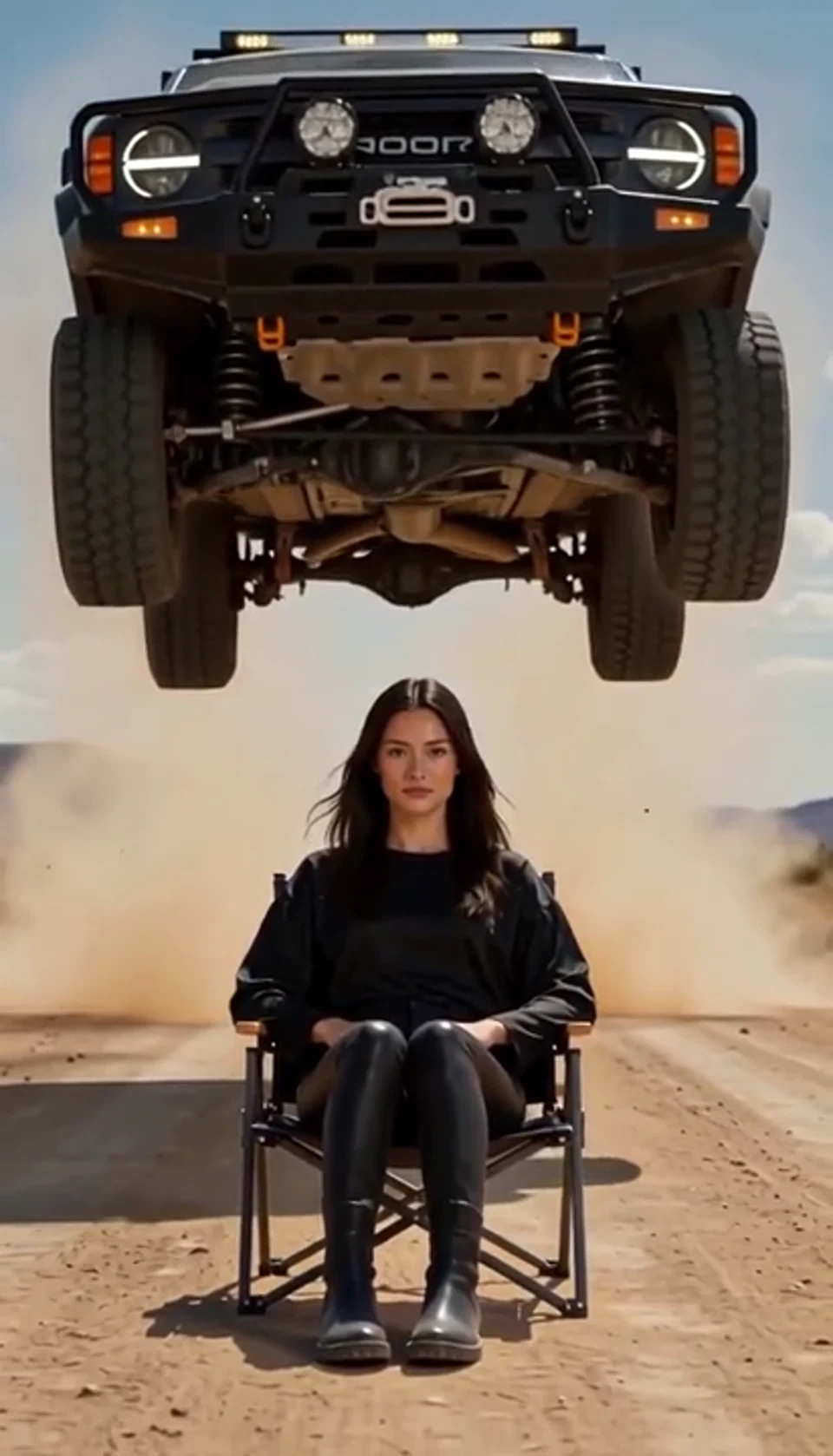
AI Car Jump Video
A calm portrait becomes a dramatic desert stunt. Bring your own photo into the scene.
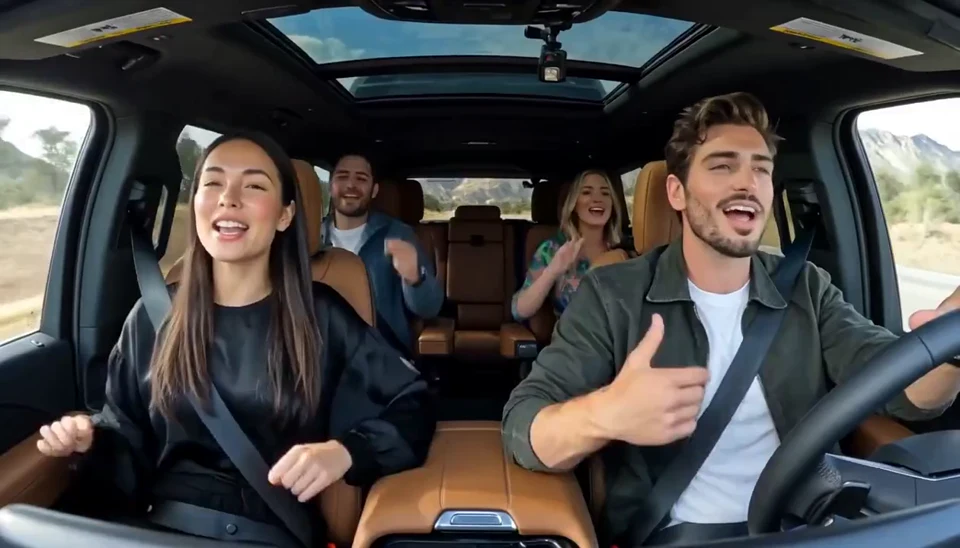
AI Carpool Karaoke Video
Two photos become one lively dashboard singalong. Bring your own photo into the scene.
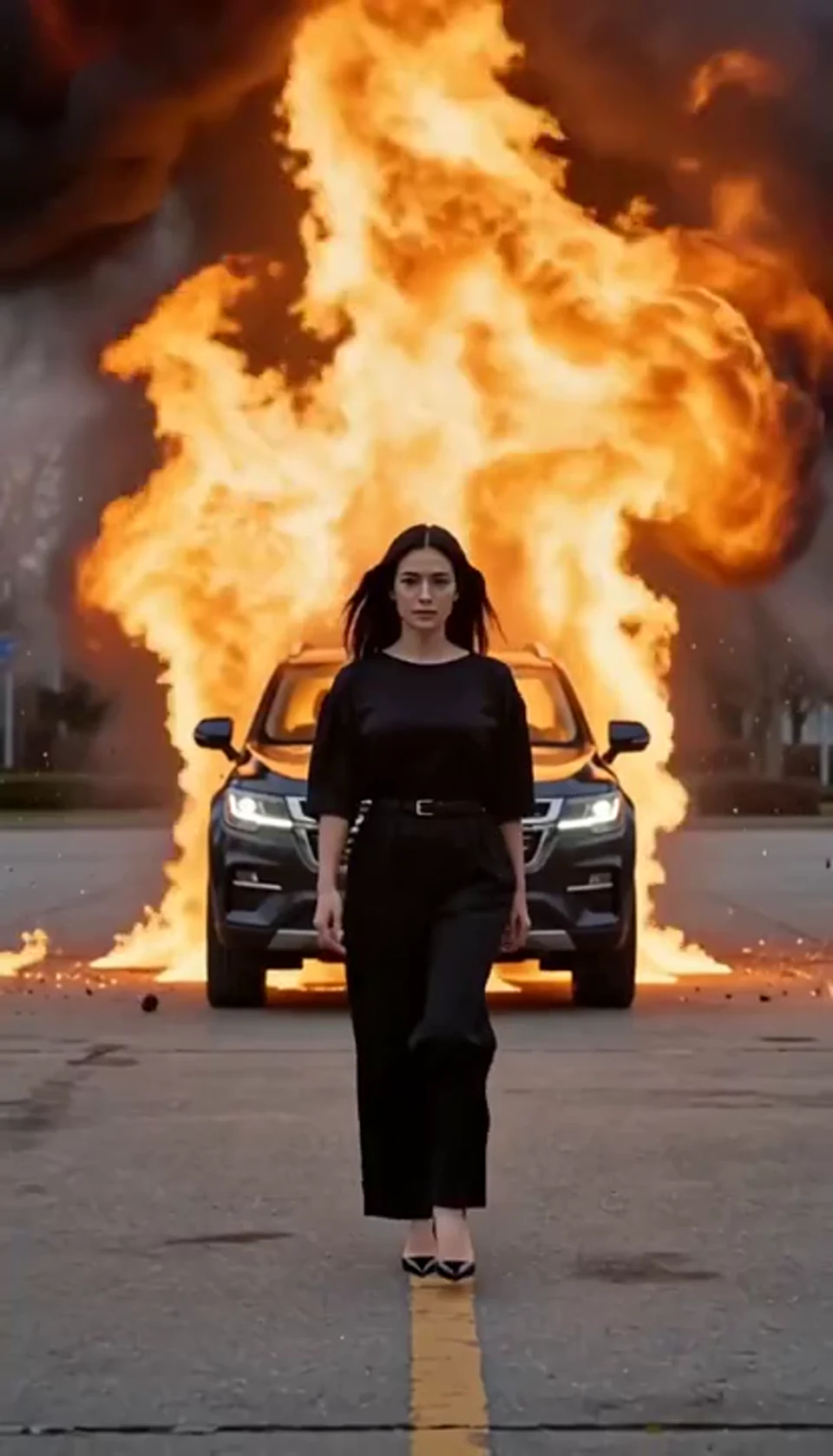
AI Car Explosion Video
Walk toward the camera as the SUV erupts behind you. Bring your own photo into the scene.
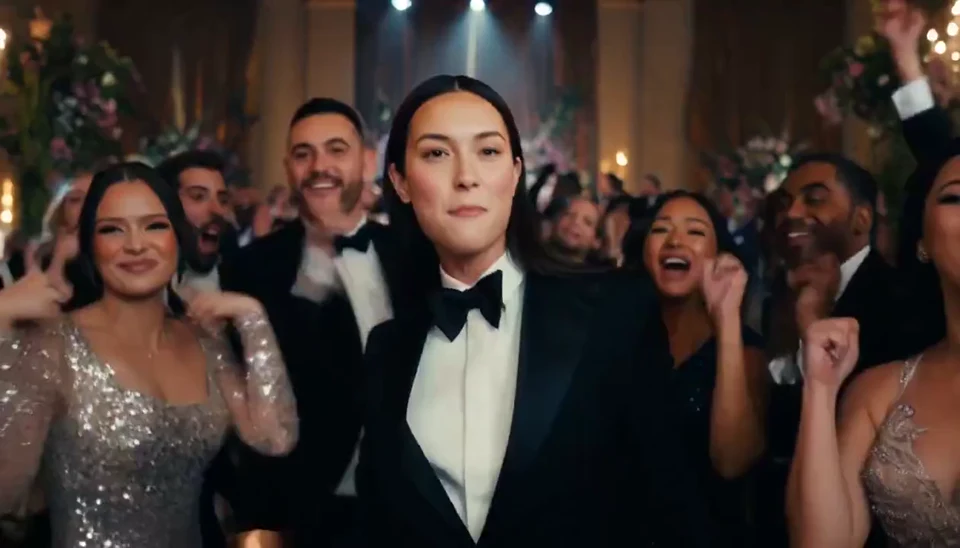
AI Burning Bridges Party Video
A portrait joins a lively ballroom party. Bring your own photo into the scene.
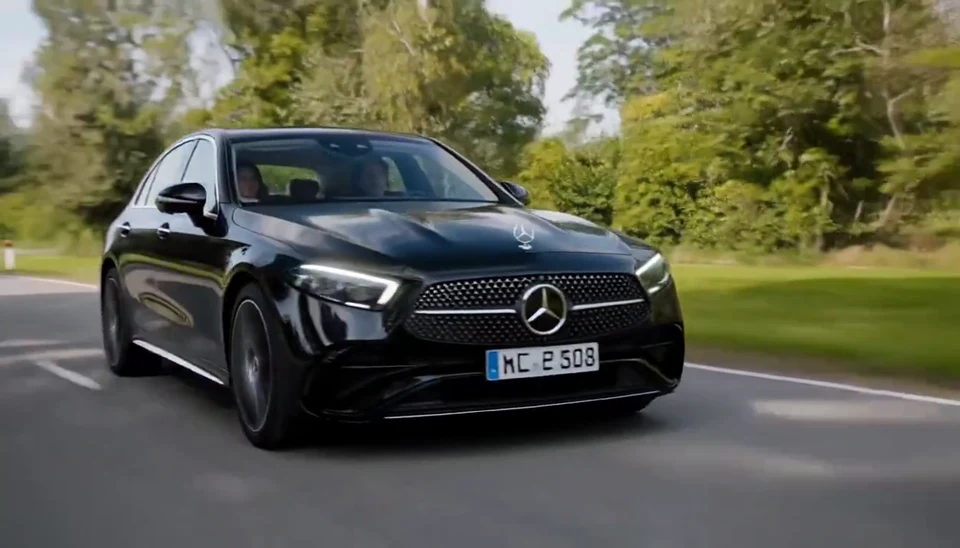
AI Mercedes Car Video
Your car photo becomes a cinematic driving shot. Bring your own photo into the scene.
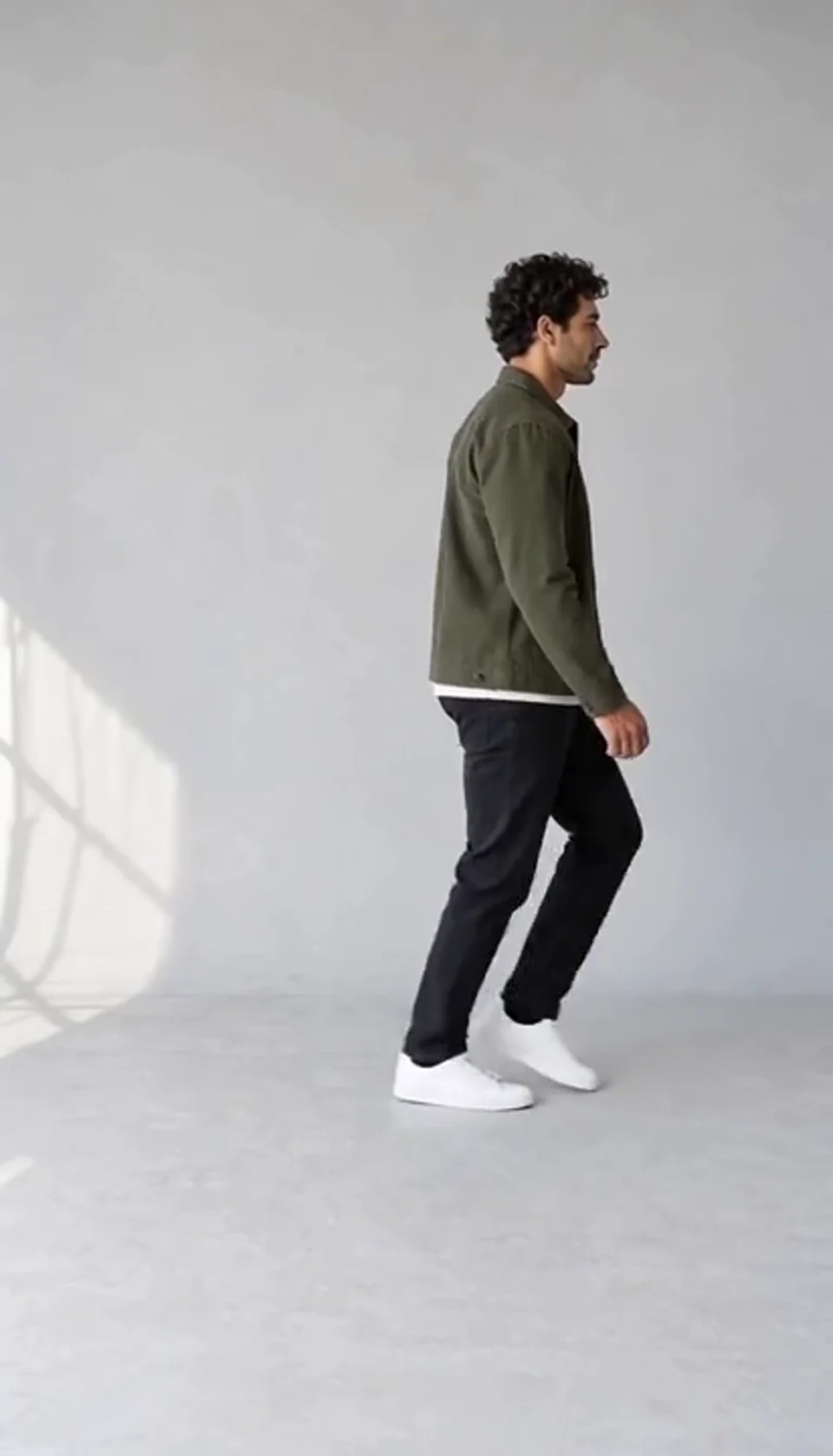
AI Moonwalk Dance Generator
Turn one full-body photo into a short moonwalk dance. A steady side view keeps the sliding steps and your recognizable outfit in focus.
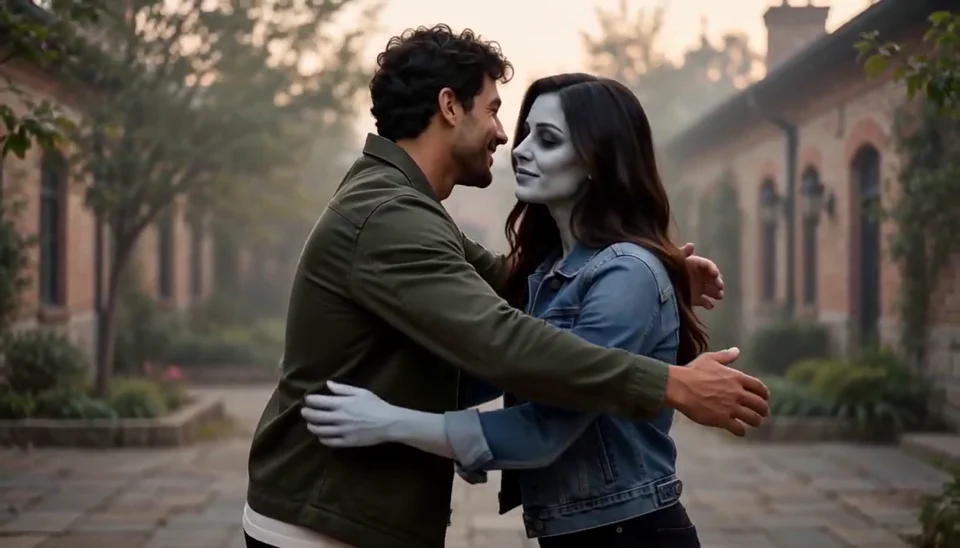
AI Zombie Love Story Generator
Bring two portraits into a tender fictional reunion: a human survivor recognizes their zombie partner, embraces them and remembers a warmer moment together.
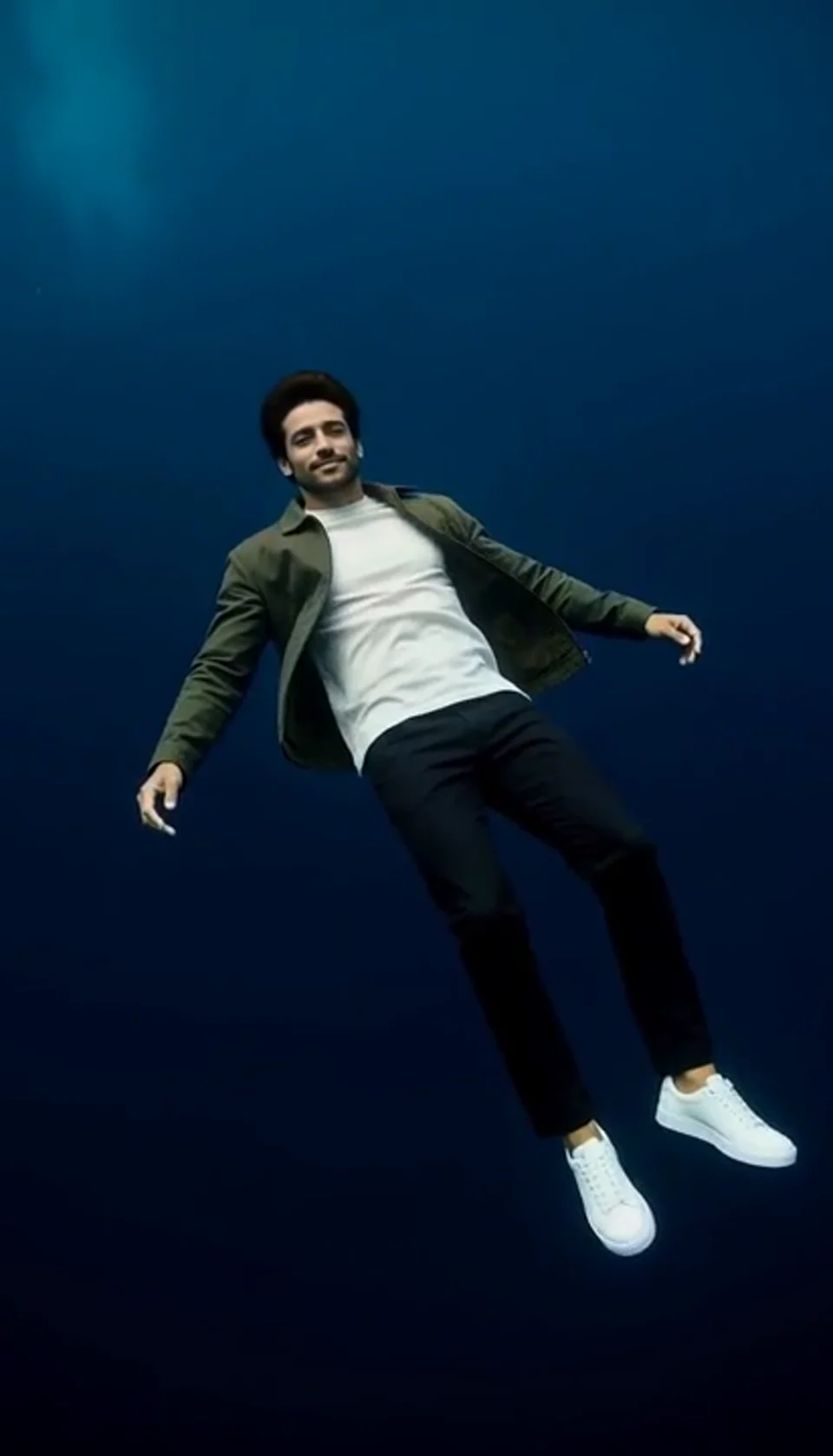
Deep Sea AI Video Effect
Turn one portrait into a dreamlike underwater scene. Drift through dark blue water with gently moving clothing, soft light and one calm camera move.
Original Desk-Concert Questions
Understand the cast, music, lyrics, settings and credit flow before generating.
What does this Tiny Desk AI generator create?
It creates an original small-room concert from your character photos and chosen style. Your performance comes with newly generated music. You do not need to upload an existing concert or song.
How many photos can I upload?
Use one to five photos, depending on the preset. Each card controls a named musician. Pop Duet and Soul Duet require two lead photos; other presets require the first vocalist. Optional empty roles are newly generated performers.
Are the seven presets different?
Yes. Each preset has its own arrangement, role list and required vocalists. A soul quartet has different instrumental roles from a duet or a vocal ensemble. The right-hand preview is one Animal Choir example; it is not a separate preview for every preset.
Can I write my own lyrics?
Yes. Add a short chorus, or leave Lyrics blank for a tune without words. Keep the words brief so they fit 15 seconds. Wording, singing and timing can vary in the finished song.
What happens when I leave Lyrics blank?
The model creates a fresh melody with a wordless vocal hook and ensemble harmonies. Music is generated with the video, so you do not need a separate music-generation step.
Can I use cats, dogs or other animals?
Yes. Use one clear animal per reference. Animal Choir retains the uploaded species and fills unassigned positions with animal musicians. Check fur, ears, paws and identity consistency in the finished performance.
Can I mix human and animal portraits?
The prompt keeps human references human and animal references animal. Mixed ensembles can vary in consistency, so clear individual photos and a careful preview are useful.
How much does a concert cost?
The credit price is shown before you generate. It covers one 15-second video with music. Watching the example and changing your photos or lyrics do not spend generation credits.
What video settings are available?
Each concert is 15 seconds long. Choose Vertical for a phone-friendly video or Horizontal for a wider band view. Your downloaded video includes the music.
Will changing the preset send photos from hidden roles?
No. Only the roles shown for the currently selected preset enter the request. Photos remain associated with their role when you return to a compatible preset, but hidden slots are excluded from generation.
What if the generation fails or takes a long time?
A confirmed failed task follows ViewMax’s normal credit-return process. Temporary status-check errors or an accepted task that remains in progress are not confirmed failures. Check your saved task before starting another paid request.
Can I use portraits of my own characters?
Yes. Use a clear individual portrait for each character. Choose a style with the right roles, and place each photo in the part you want it to play.
Bring Your Cast into an Original Concert
Choose a session, add your performers and make a new 15-second musical moment.
Create My Concert