
Red Sports-Car Ramp Test
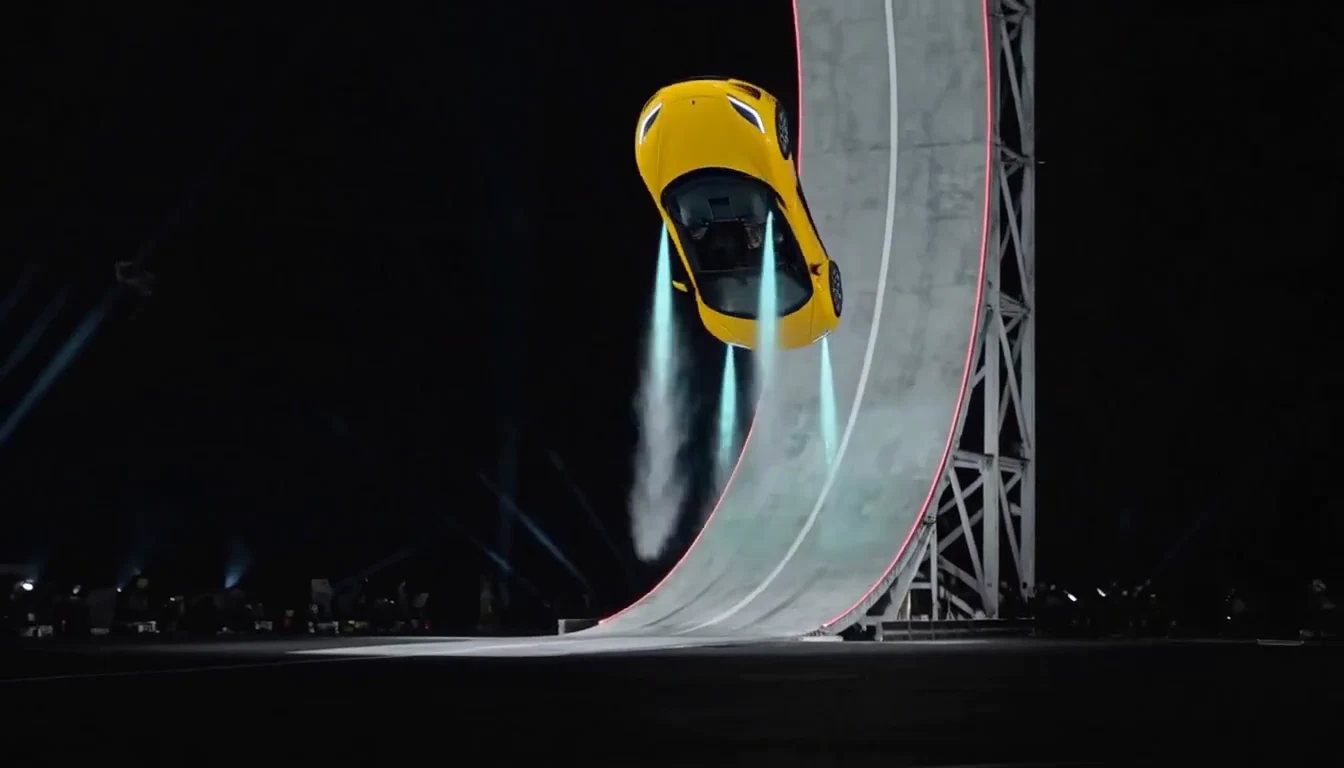
A wide view of the curved ramp, airborne turn and landing.
Reference source: Media.ioUpload a car photo you own or have permission to use.
AI-generated examples. Your car photo and chosen scene guide a new video; results will vary.
One Car Photo, Nine Impossible Scenes
Turn your car photo into a Tesla Roadster-inspired video, then give it an impossible entrance. Choose a curved-ramp launch, an airborne kickflip or a rocket-thruster landing. The Tesla Roadster scenes guide your car toward the target sports-car appearance; the other scenes keep your uploaded vehicle as their visual reference. Any car color is welcome; your original paint is the color reference.
Nine selectable scenes share one creator. Try the Tesla Roadster AI video effects, fly over a traffic jam, drive along a tunnel wall or make the Me Next Monday commute joke. Preview the examples, upload one clear car photo and create a 10- or 15-second video in vertical or landscape format.
Start with a clear car photo and choose the movement that fits your idea.
Preview the nine scene choices above. Pick one main effect so the video has a clear beginning and finish.
Use a sharp photo with a complete vehicle and visible wheels. Avoid tight crops, multiple cars or heavy motion blur.
Choose vertical or landscape, check the displayed credit cost and generate. Review the car shape, wheel continuity and movement.
Save a successful result for your edit. Add your own caption or licensed soundtrack after generation.
Choose a distinct story while keeping your own vehicle at the center.
Start with a photo of your own car and choose Tesla Roadster Transform. The effect guides its body toward the Roadster-inspired sports-car style shown in the reference, then stages a curved-ramp launch, an airborne turn and an upright landing. It creates a new fictional AI take on the reference idea, with your original car as the starting point.
Choose the kickflip scene for a dramatic ramp-to-air sequence. Your car takes on a Roadster-inspired appearance, climbs the curved ramp and rotates through an airborne flip before descending. A clear view of one complete car gives the movement a readable beginning and ending.
Use the thruster scene for the suspended moment after the ramp launch. A Roadster-inspired sports car hangs above the stage on pale-blue jets, then lowers onto all four wheels in a small vapor cloud. These are imagined visual effects; the video does not demonstrate real vehicle performance.
Trade a stalled queue for an airborne shortcut. The lead car rises above the other vehicles, then moves forward while the traffic stays on the road. A steady rear three-quarter view makes the gap beneath the car easy to read. Use a clear vehicle reference so its color and silhouette remain recognizable.
Give the car room to lift off in an open paved setting. The shot starts on the ground, moves into a level hover and finishes with the entire vehicle visible. This simpler flying-car effect suits a short reveal or an opening for a futuristic concept edit.
Take the shortcut around the side of the tunnel. The car drives sideways along the curved tunnel wall, while the camera and surrounding traffic remain upright. This scene focuses on one readable wall-driving movement instead of combining every possible stunt in a single clip.
Use a Tesla Roadster photo or another sports car for a cinematic vehicle reveal. A shallow camera arc shows the bodywork against an evening backdrop, with a gentle hover-and-land direction. Your reference guides the vehicle; the scene does not automatically replace it with a Tesla or claim real performance.
Make a playful roadside reaction: the car hovers as a generic officer looks on in surprise. The wide shot keeps both the vehicle and reaction visible, with the patrol car grounded. This Tesla Roadster police stop AI video idea is fictional comedy, with a calm hover instead of a chase.
Give the Monday commute a surreal punchline. Begin in ordinary morning traffic, then lift above the queue for an imagined shortcut. Leave room to add “Me next Monday” in your editor after downloading; the template creates the visual scene without baking a caption or a popular song into it.
Create a memorable reveal, an impossible commute or a playful short.
Build a vertical clip around one clear flying-car moment.
Give a favorite vehicle a cinematic sci-fi introduction.
Turn the everyday traffic queue into a Monday joke.
Explore a fictional automotive scene for a moodboard or edit.
Start from a different setting, vehicle or mood.
Lift above a stationary queue and glide forward.
Rise from open pavement into a steady hover.
Drive along a tunnel wall with the traffic below.
Give a sports car a gentle hover-and-land reveal.
Add a surprised officer to a fictional roadside scene.
Turn the morning commute into an impossible shortcut.
A clean reference and one focused action give the scene a clearer starting point.
See how creators bring favorite images into their own video stories.
Three selected Media.io clips show the ramp, flip and thruster ideas behind these scenes. These are third-party reference videos, separate from the generated examples in the editor.
A wide view of the curved ramp, airborne turn and landing.
Reference source: Media.ioA closer vertical view of the car lifting and rotating above the ramp.
Reference source: Media.ioA ramp launch followed by a suspended jet-assisted descent.
Reference source: Media.ioTry another trending effect with the same photos.
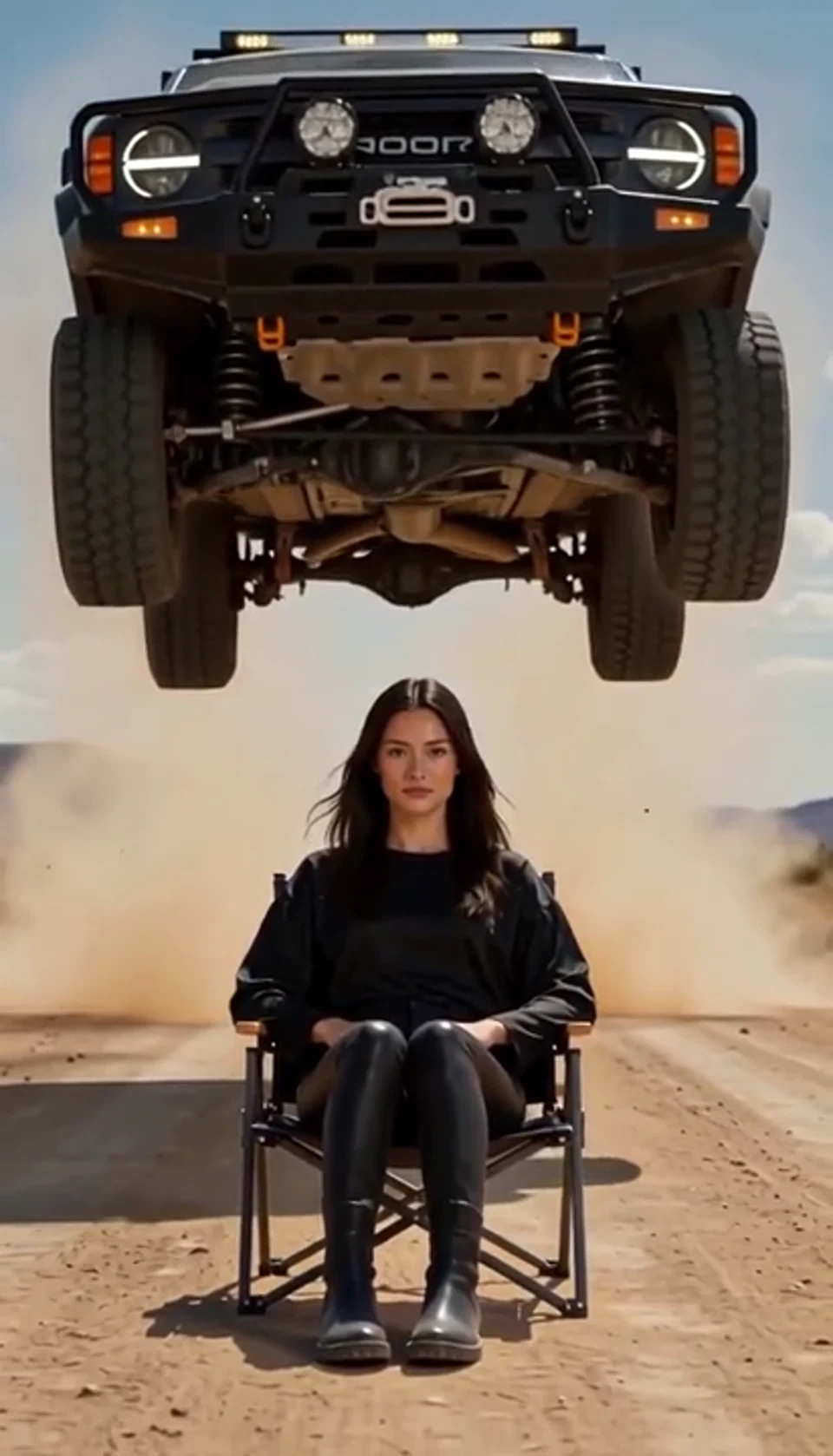
A calm portrait becomes a dramatic desert stunt. Bring your own photo into the scene.
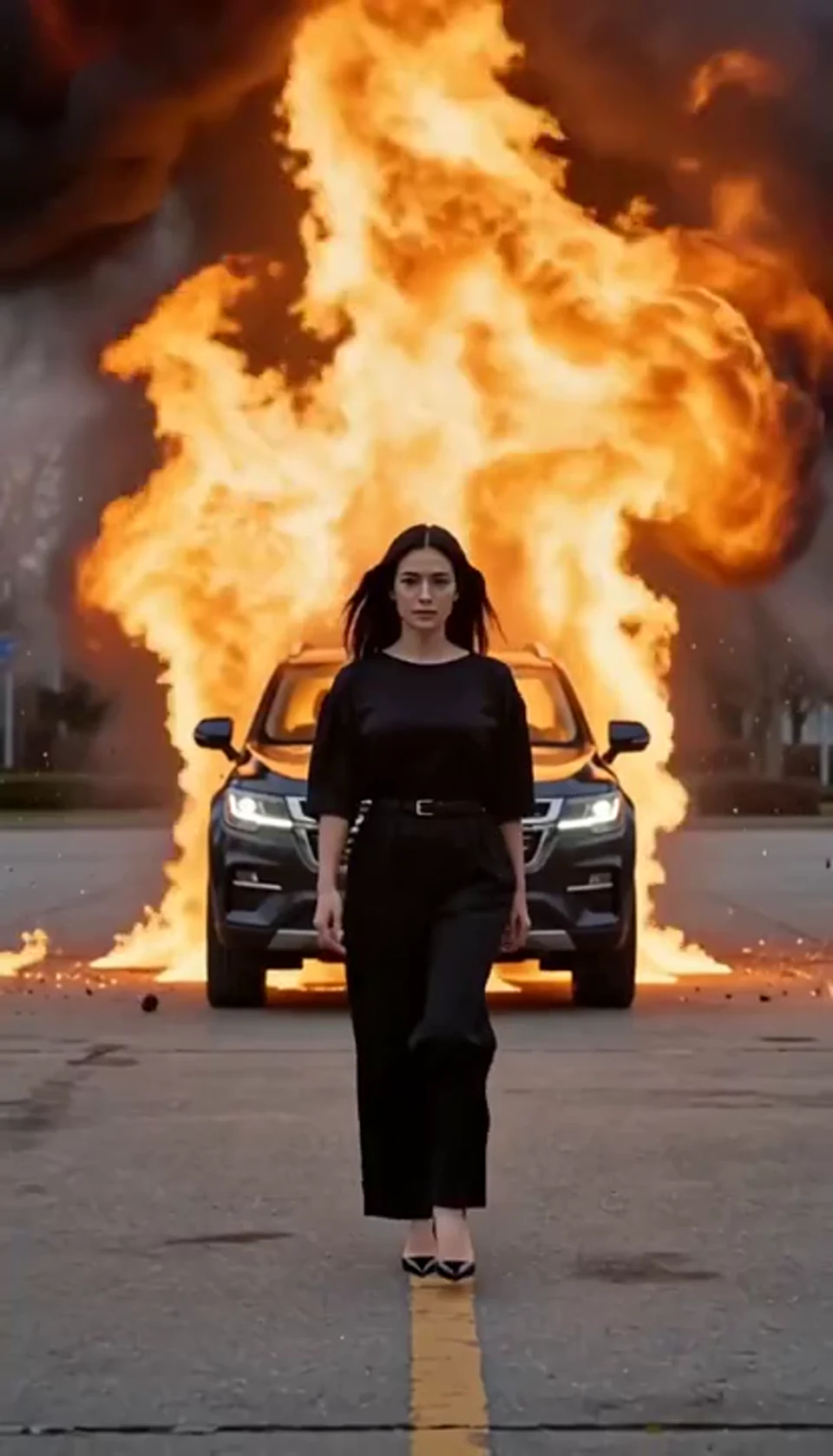
Walk toward the camera as the SUV erupts behind you. Bring your own photo into the scene.
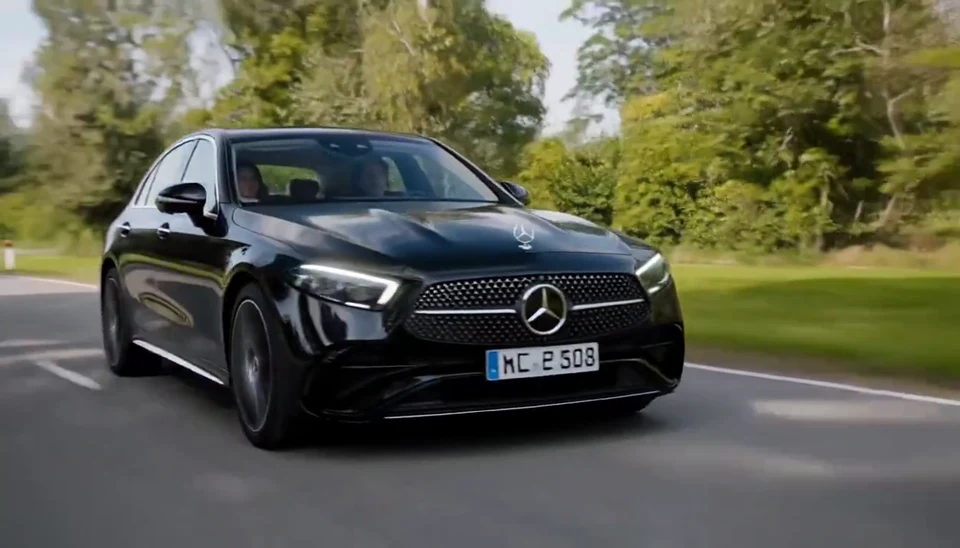
Your car photo becomes a cinematic driving shot. Bring your own photo into the scene.
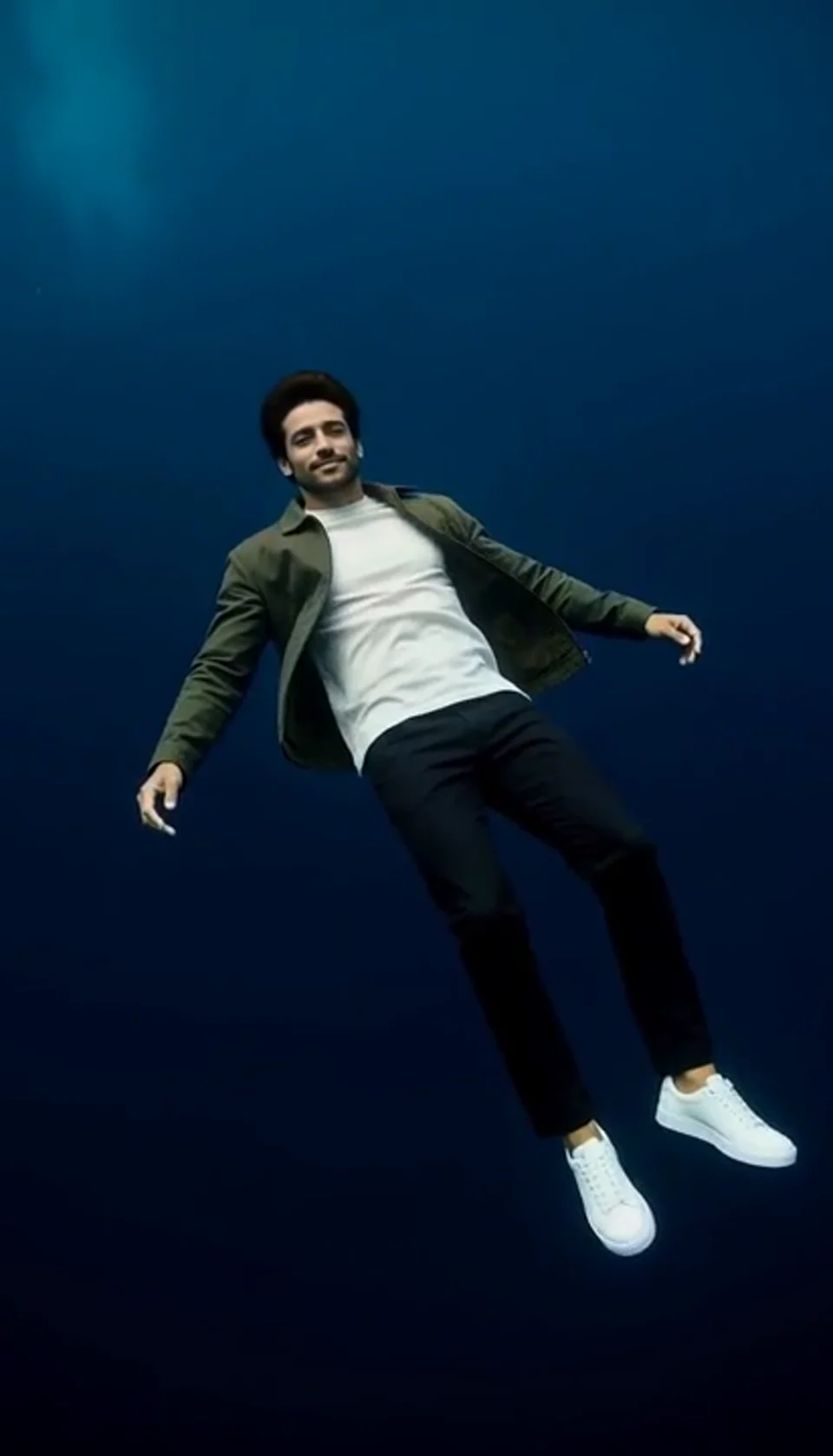
Turn one portrait into a dreamlike underwater scene. Drift through dark blue water with gently moving clothing, soft light and one calm camera move.
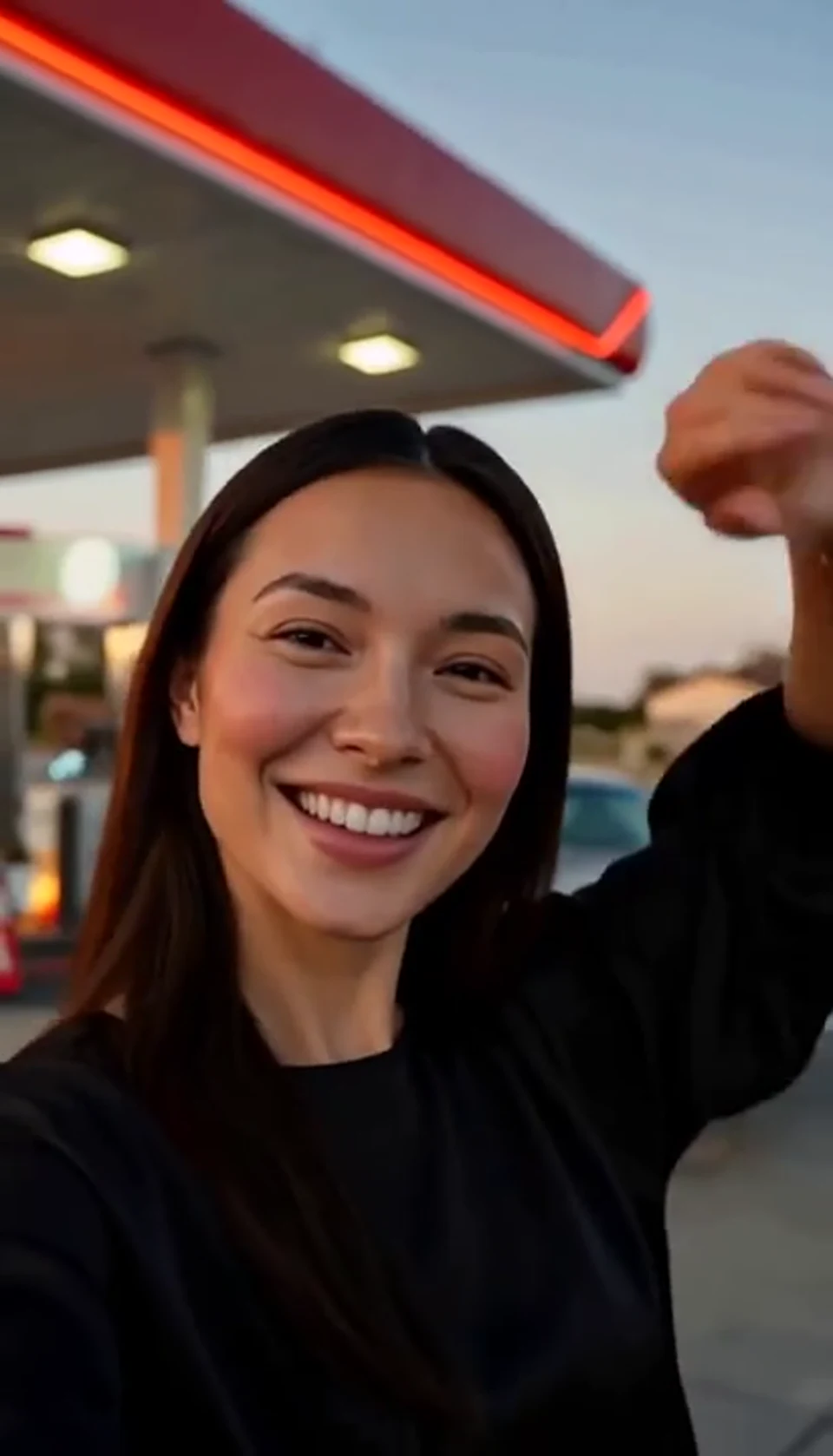
A sunset dance, a selfie and a cinematic car exit. Bring your own photo into the scene.
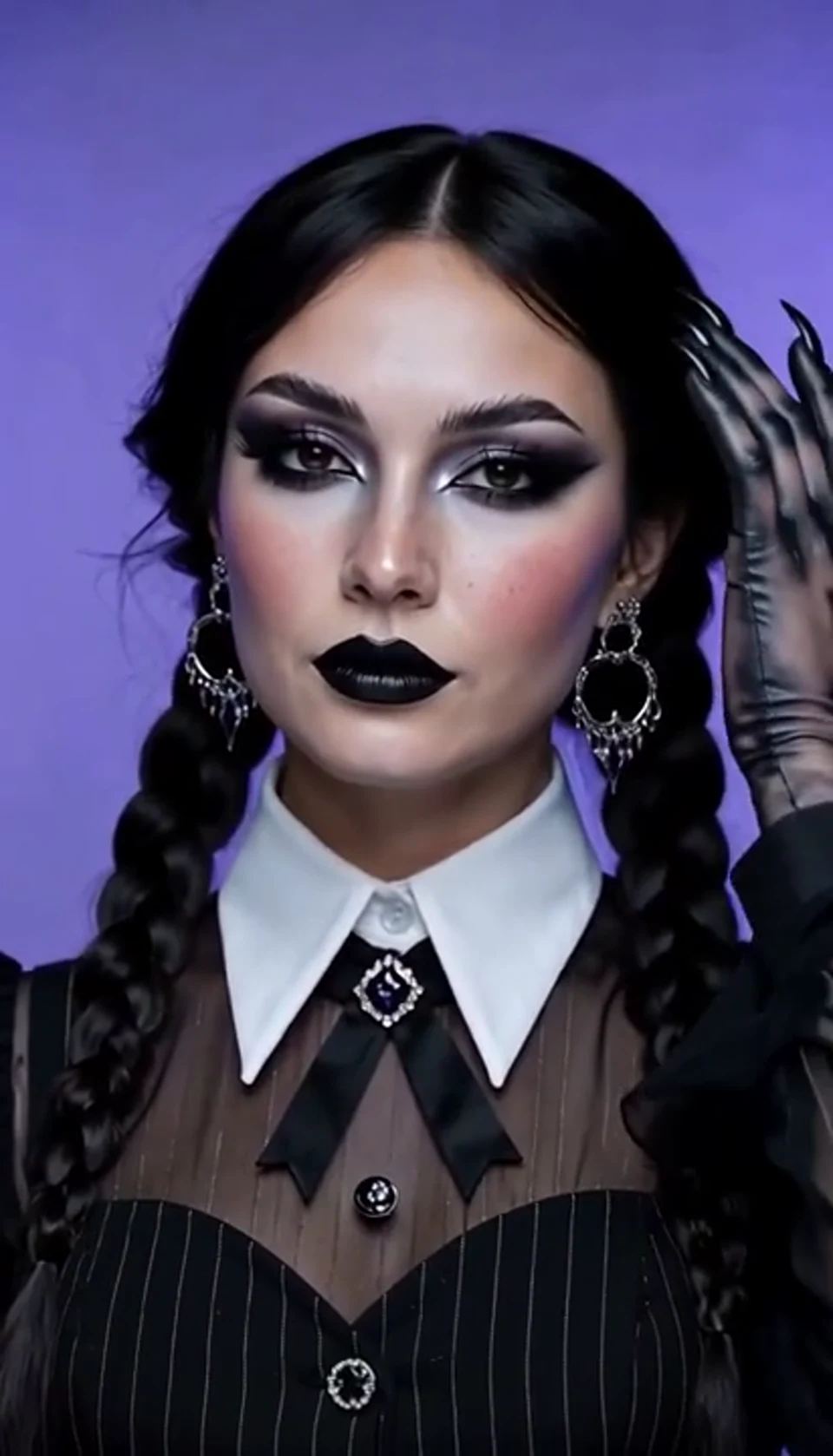
A theatrical hand swipe reveals a gothic costume. Bring your own photo into the scene.
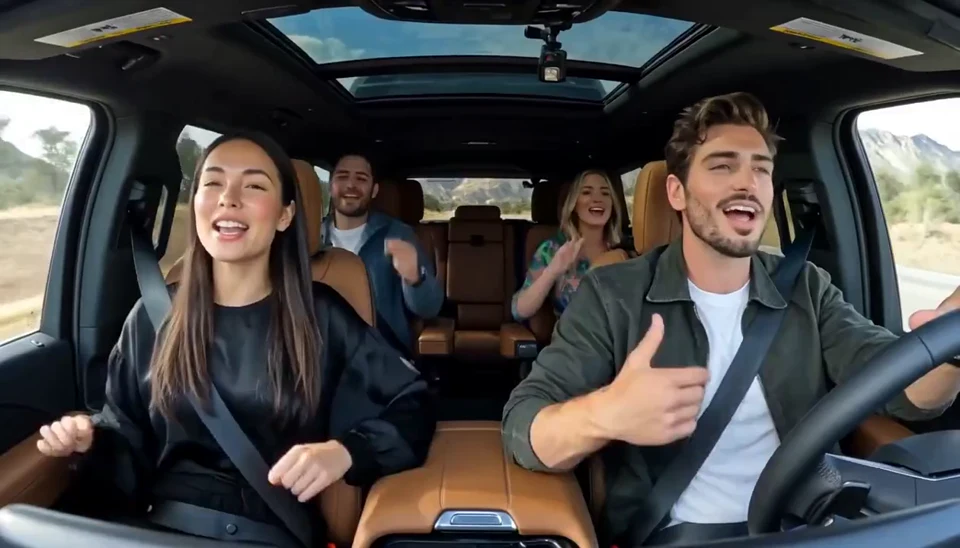
Two photos become one lively dashboard singalong. Bring your own photo into the scene.
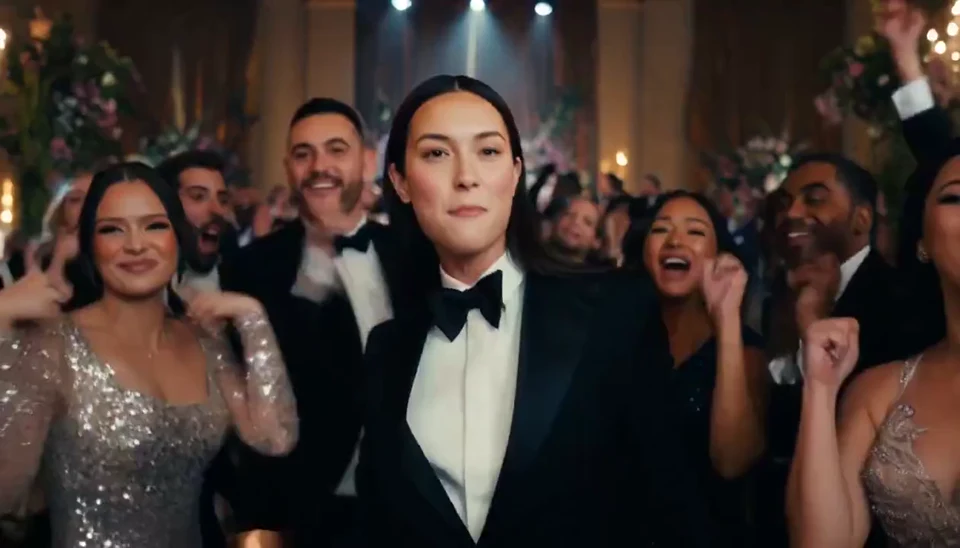
A portrait joins a lively ballroom party. Bring your own photo into the scene.
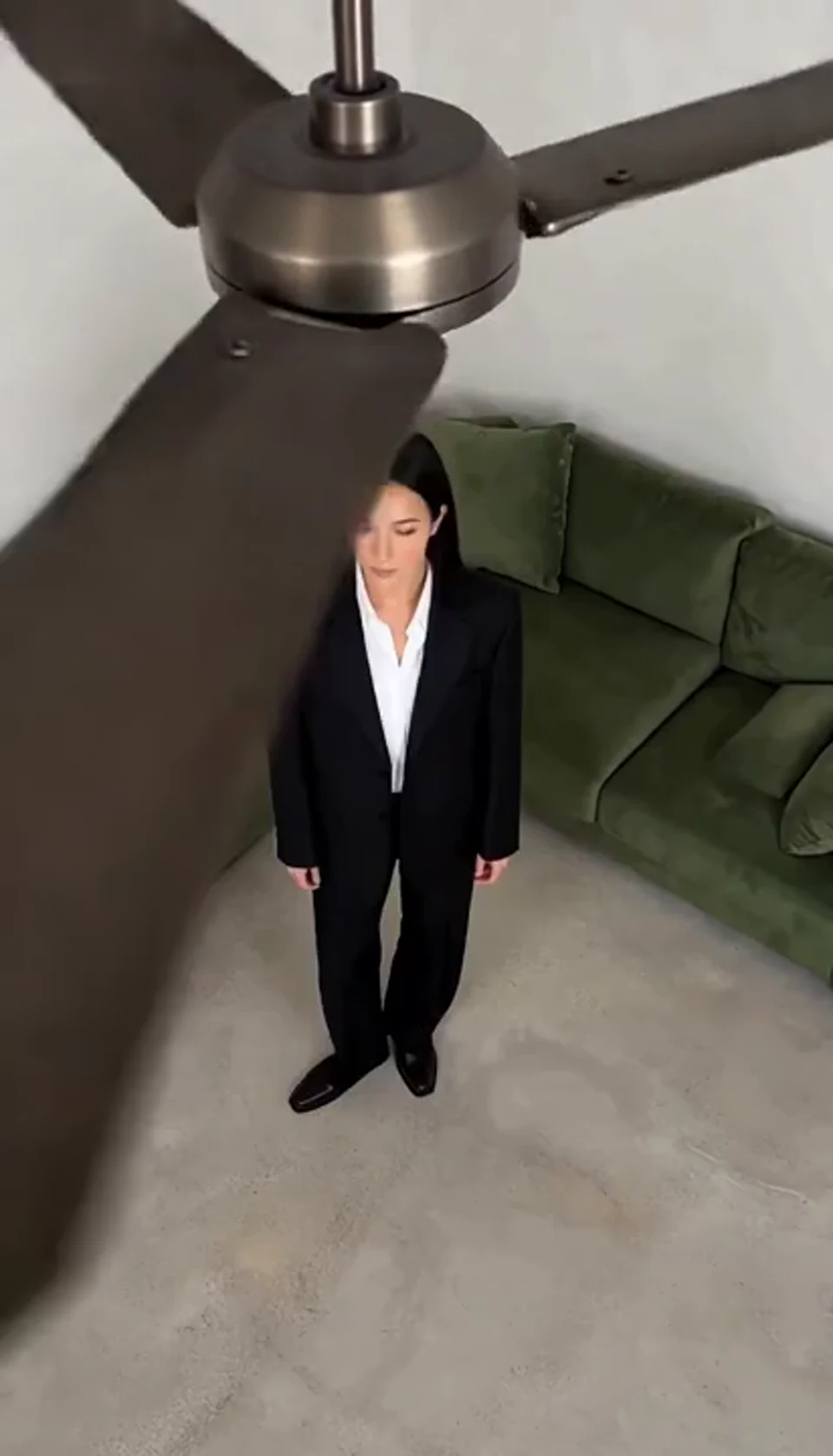
One fan-blade wipe reveals your next outfit. Bring your own photo into the scene.
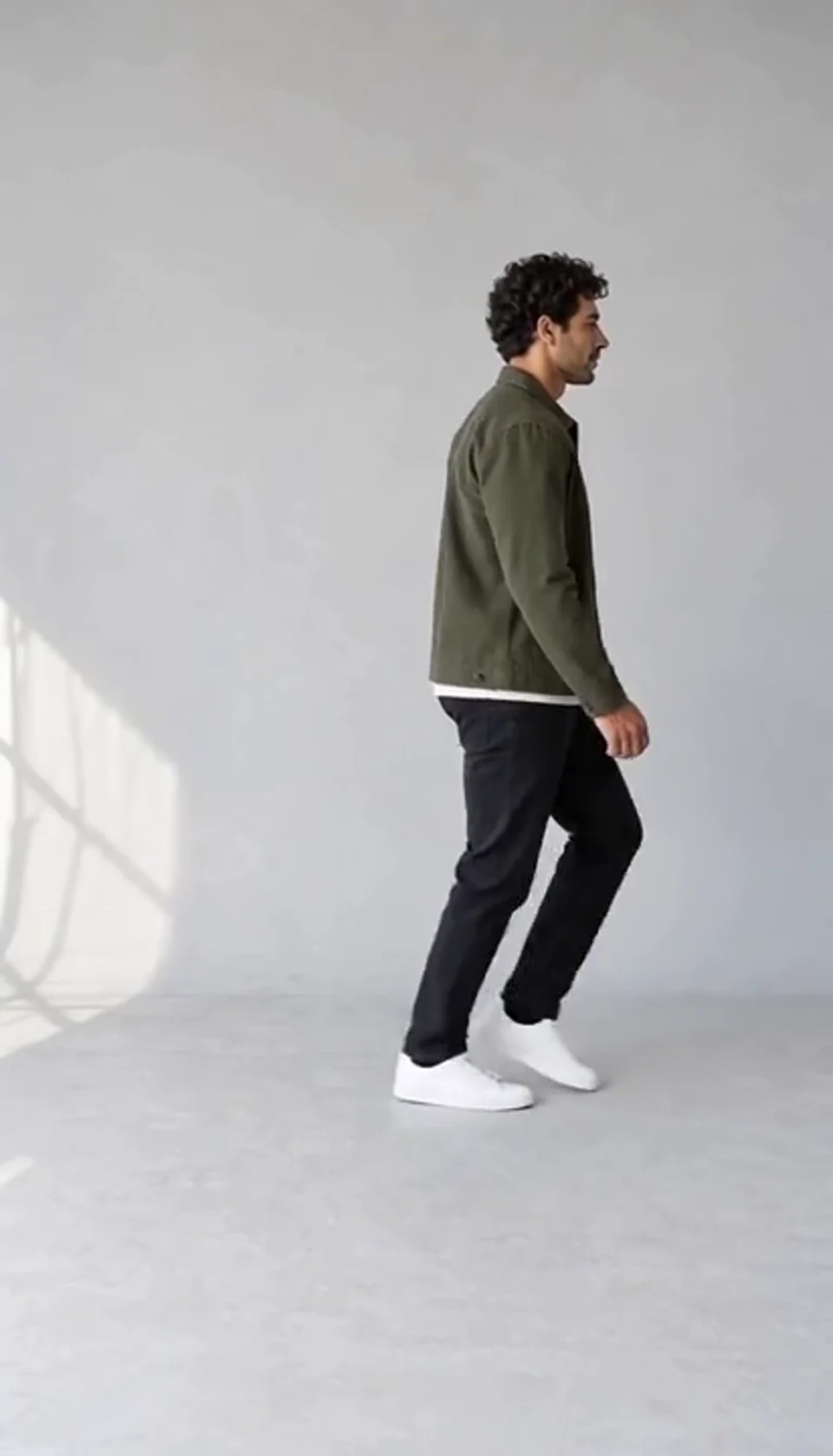
Turn one full-body photo into a short moonwalk dance. A steady side view keeps the sliding steps and your recognizable outfit in focus.
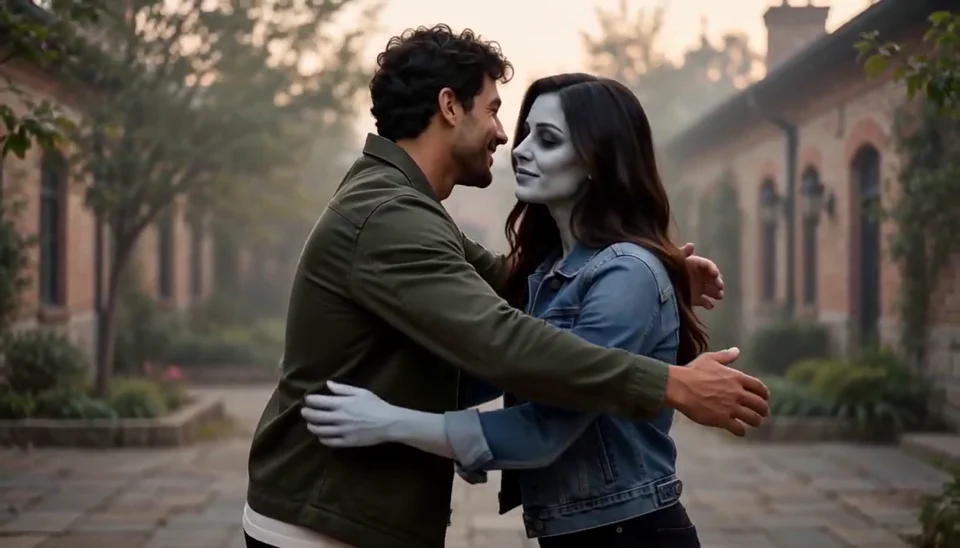
Bring two portraits into a tender fictional reunion: a human survivor recognizes their zombie partner, embraces them and remembers a warmer moment together.
Practical answers before you create.
Choose one of the nine scenes and upload one car photo. Select a Tesla Roadster scene to transform the vehicle, or another scene to use its original appearance. Check the quote, generate and review the result before downloading.
Yes. Choose Fly over Traffic to lift the lead car above a stationary queue and move it forward. Upload a photo that shows the complete car clearly so its shape and color have a useful reference.
Choose Tunnel Wall Drive. It creates a fictional sideways drive along a curved tunnel wall while keeping the surrounding scene upright. The effect focuses on one wall-driving movement; it does not promise a complete ceiling circuit.
Yes. Upload a clear photo of your own car in any color. The Tesla Roadster scenes guide the body toward a Roadster-inspired shape while using your original paint as the color reference. The other six scenes also use your original car appearance. AI results can vary with lighting and the photo.
It is a fictional roadside-comedy scene in which your car rises into a gentle hover as a generic officer reacts. It can use a Tesla Roadster reference or another car, and it does not depict an actual police event or verified vehicle ability.
Choose Me Next Monday for the imagined commute escape. Generate the visual, then add your own caption in an editor. No specific trending song or automatically rendered caption is included.
Each generation costs 200 credits. Choose a 10- or 15-second video and 9:16 vertical or 16:9 landscape; the creator starts with a 15-second Tesla Roadster scene. Check your balance and the displayed quote before generating.
The editor examples are AI-generated demonstrations; the separate reference section contains selected Media.io clips with their source links. A new generation can differ from either. Tesla Roadster is used to describe an independent creative effect, not an official Tesla product, real driving test or guaranteed exact replica.
Choose a scene and bring your car photo into the story.
Create My Car Video