
AI Mercedes Car Video
AI Mercedes Car Video
Only upload photos of yourself or of people who agreed to take part.
Your car photo becomes a cinematic driving shot.
Bring Your Mercedes Photo into a Cinematic Drive
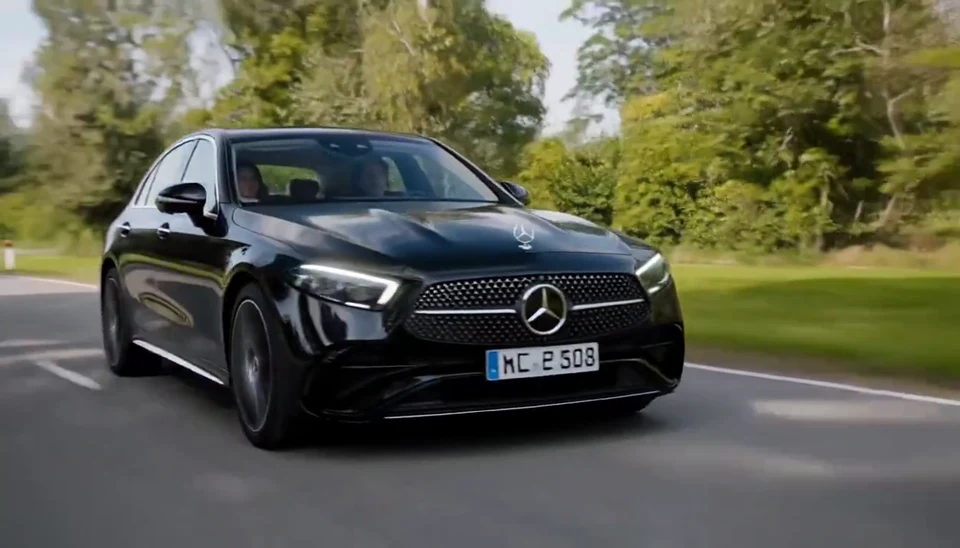
Move from a close view of the hood and grille to a smooth shot alongside the body, then back toward the windshield. Wheels turn, the road unfolds and sunlight travels across the paint, giving a still Mercedes photo the calm presence of a moving car.
Turn a car photo from your gallery into a garage showcase, travel teaser or automotive post. The body lines, favorite paint color and road atmosphere make your own vehicle the focus of the scene.
- Your car in the spotlight
- Smooth rolling camera views
- Body details and driving motion
- Sunlit-road atmosphere
From Your Photo to a Visual Story
Choose a favorite photo, watch the example and bring the lead into the scene.
Upload a favorite photo
Upload a clear image of the whole car, preferably from a front three-quarter angle.
Watch the effect
Watch the movement, styling and setting in the example to get a feel for the mood.
Bring the photo to life
Select Generate to bring the person or car in your photo into this visual story.
Save and share
Preview the finished scene, save a favorite take and share it with friends or use it in your edit.
Light and Lines on a Moving Car
Explore the movement and atmosphere that bring your photo into the story.
Recognizable vehicle design
Body lines, paint, wheels and grille become the details of the shot. A clear view of the whole vehicle gives more room to show the exterior you like.
Smooth rolling camera shots
Close details flow into a front-side tracking view as the camera follows the drive. The changing viewpoint gives the car’s lines depth.
Rotating wheels and road parallax
Turning wheels and passing roadside scenery give the still car a sense of driving. The vehicle’s calm presence and the road’s movement set the rhythm.
Sunlight and moving reflections
Sunlight, tree shadows and the environment travel across the bodywork. Flowing reflections add a cinematic mood to the sunny road scene.
Make It Part of Your Next Creative Moment
Find an entrance for a social post, personal introduction or celebration.
Social posts
Share a car post with sunlight and driving motion.
Profile introductions
Introduce your own car through a rolling shot.
Celebration edits
Mark a new-car memory or a road-trip celebration.
Creative moodboards
Explore car-photography and road-story ideas.
Campaign concepts
Show the exterior through a cinematic tracking view.
Video editing projects
Use car details and road scenes in a travel montage.
Six Ideas to Try
Start with a simple idea and make your photo the star of the story.
Luxury car reel
Combine a hood close-up and rolling view into a luxury car showcase.
Personal garage showcase
Introduce a personal garage using a full-car photo.
Car-listing motion concept
Give a vehicle presentation the atmosphere of an open road.
Road-trip teaser
Tease the next road trip with the car in motion.
Detail-to-driving comparison
Pair still details with driving scenes to emphasize the body’s movement.
Automotive campaign opener
Open an automotive post with sunny roads and flowing reflections.
Choose a Photo That Lets the Lead Shine
Natural expression and a clear subject give the scene more personal character.
Works best
- Sharp detail and balanced light
- An unobstructed face or complete vehicle
- One main subject per required image
- Images you own or have permission to use
Avoid
- Blurred or very dark photos
- Heavy filters or altered proportions
- Overlapping subjects and crowded scenes
- Cropping important facial or vehicle details
ViewMax Through Creators’ Eyes
See how creators bring favorite images into their own video stories.
More AI Video Templates Like AI Mercedes Car Video
Try another trending effect with the same photos.
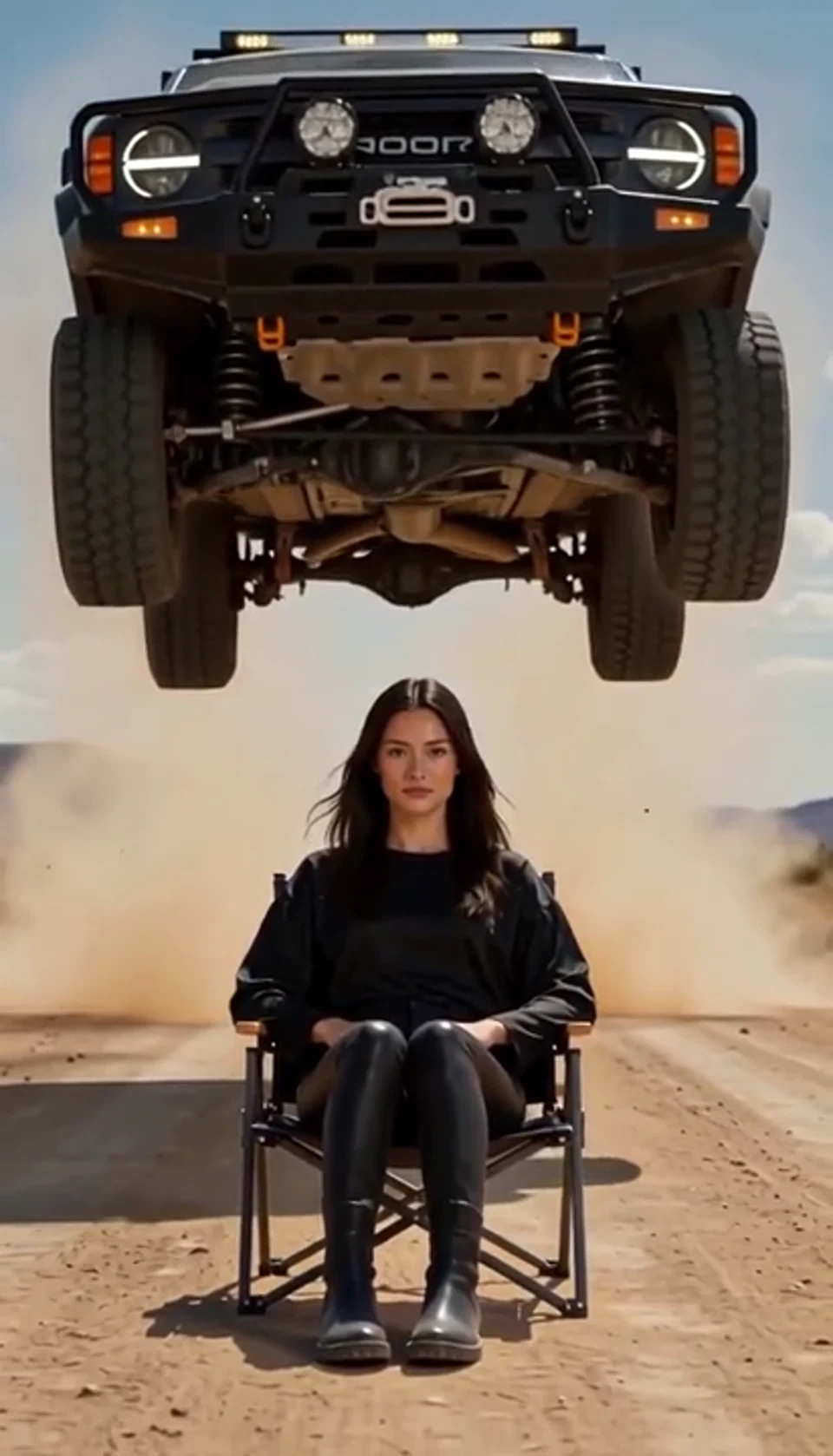
AI Car Jump Video
A calm portrait becomes a dramatic desert stunt. Bring your own photo into the scene.
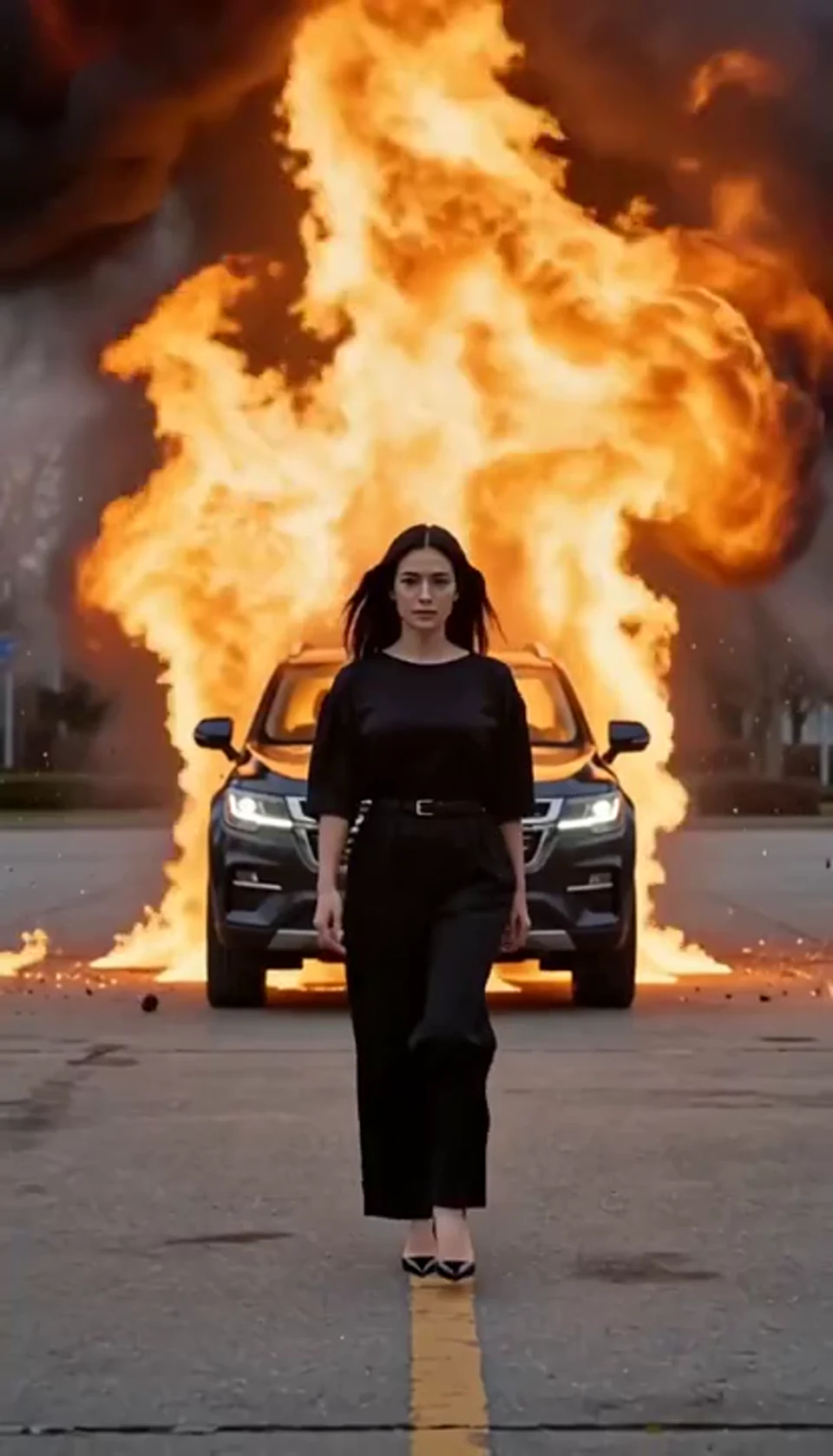
AI Car Explosion Video
Walk toward the camera as the SUV erupts behind you. Bring your own photo into the scene.
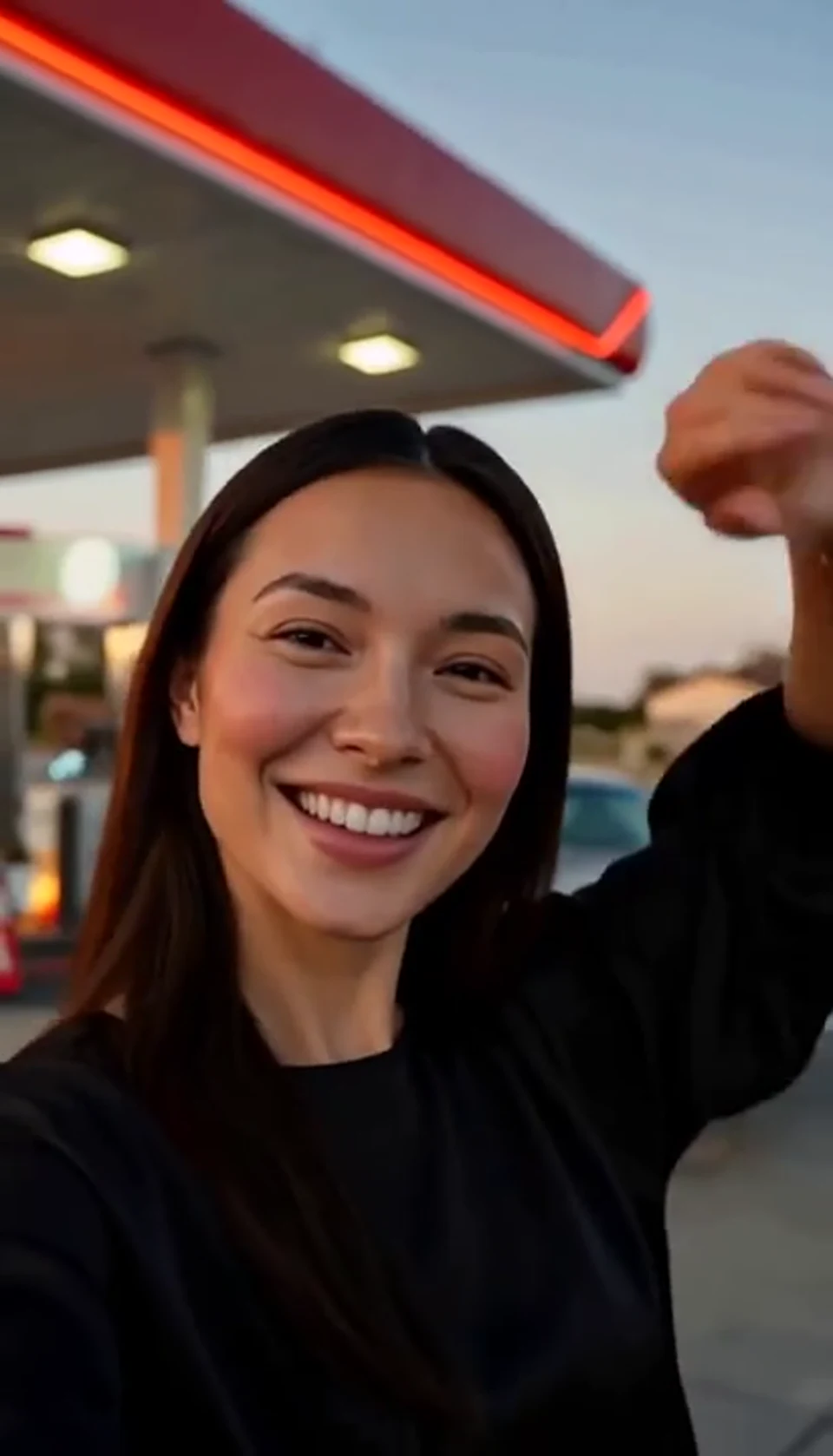
AI Gas Station Dance Video
A sunset dance, a selfie and a cinematic car exit. Bring your own photo into the scene.
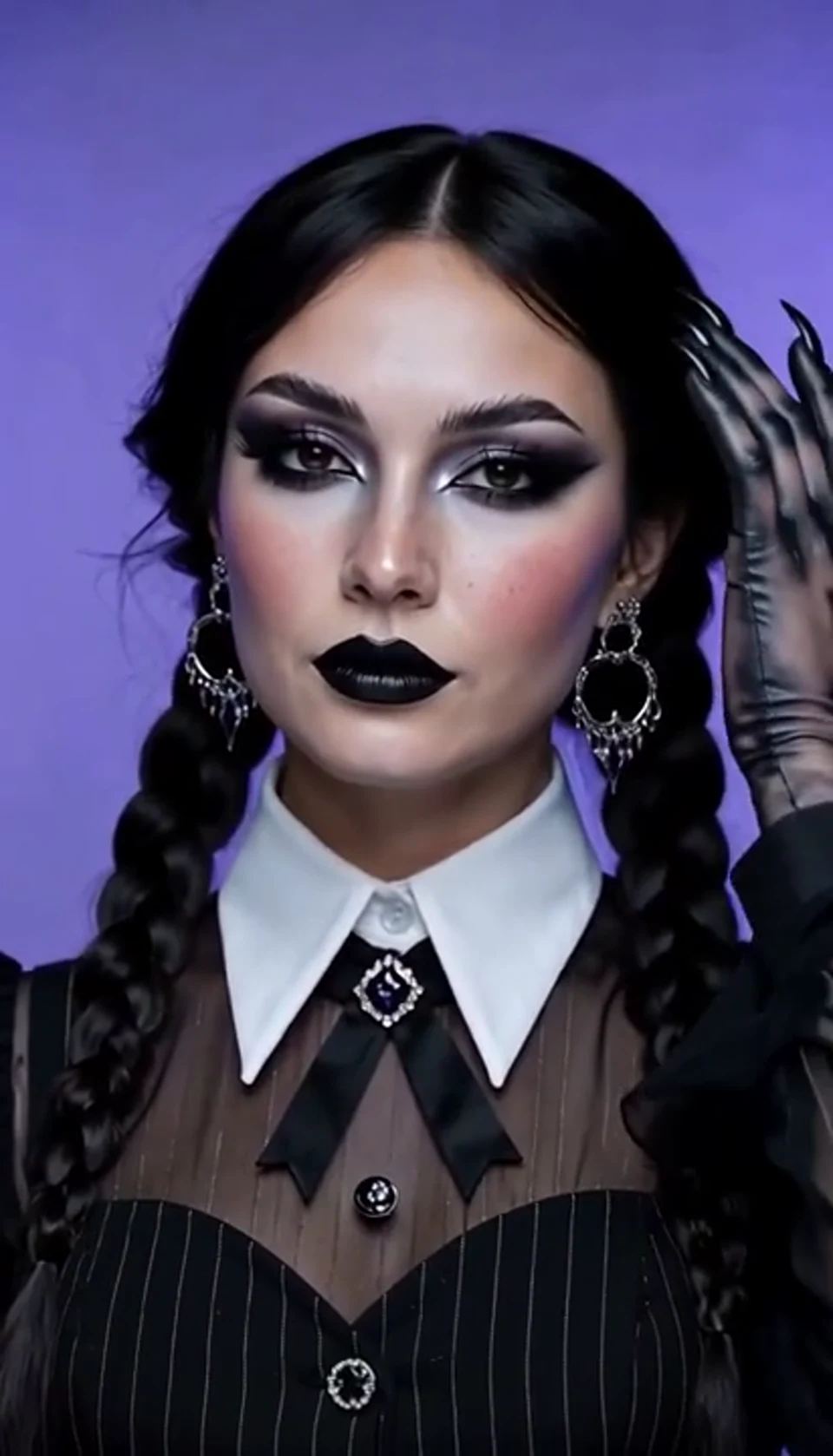
AI Halloween Video Effect
A theatrical hand swipe reveals a gothic costume. Bring your own photo into the scene.
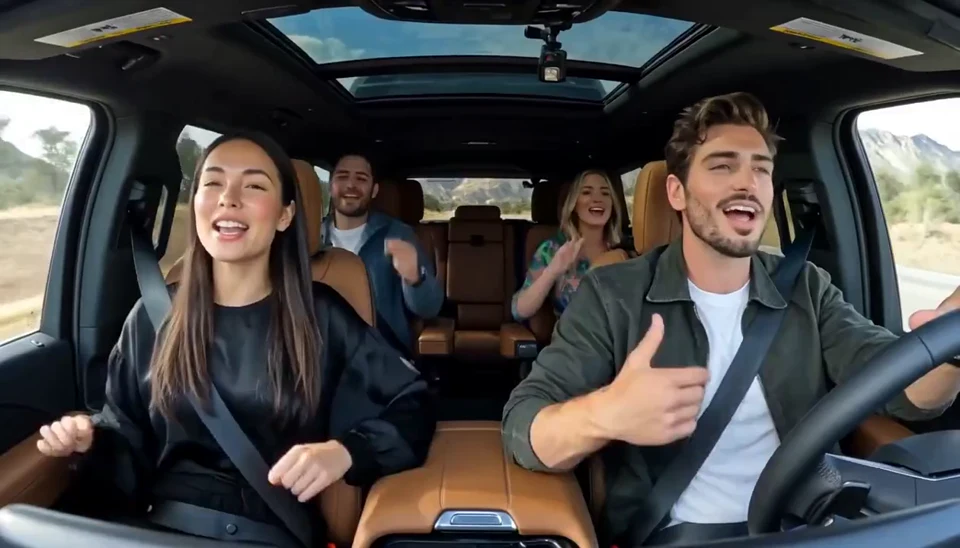
AI Carpool Karaoke Video
Two photos become one lively dashboard singalong. Bring your own photo into the scene.

AI Burning Bridges Party Video
A portrait joins a lively ballroom party. Bring your own photo into the scene.
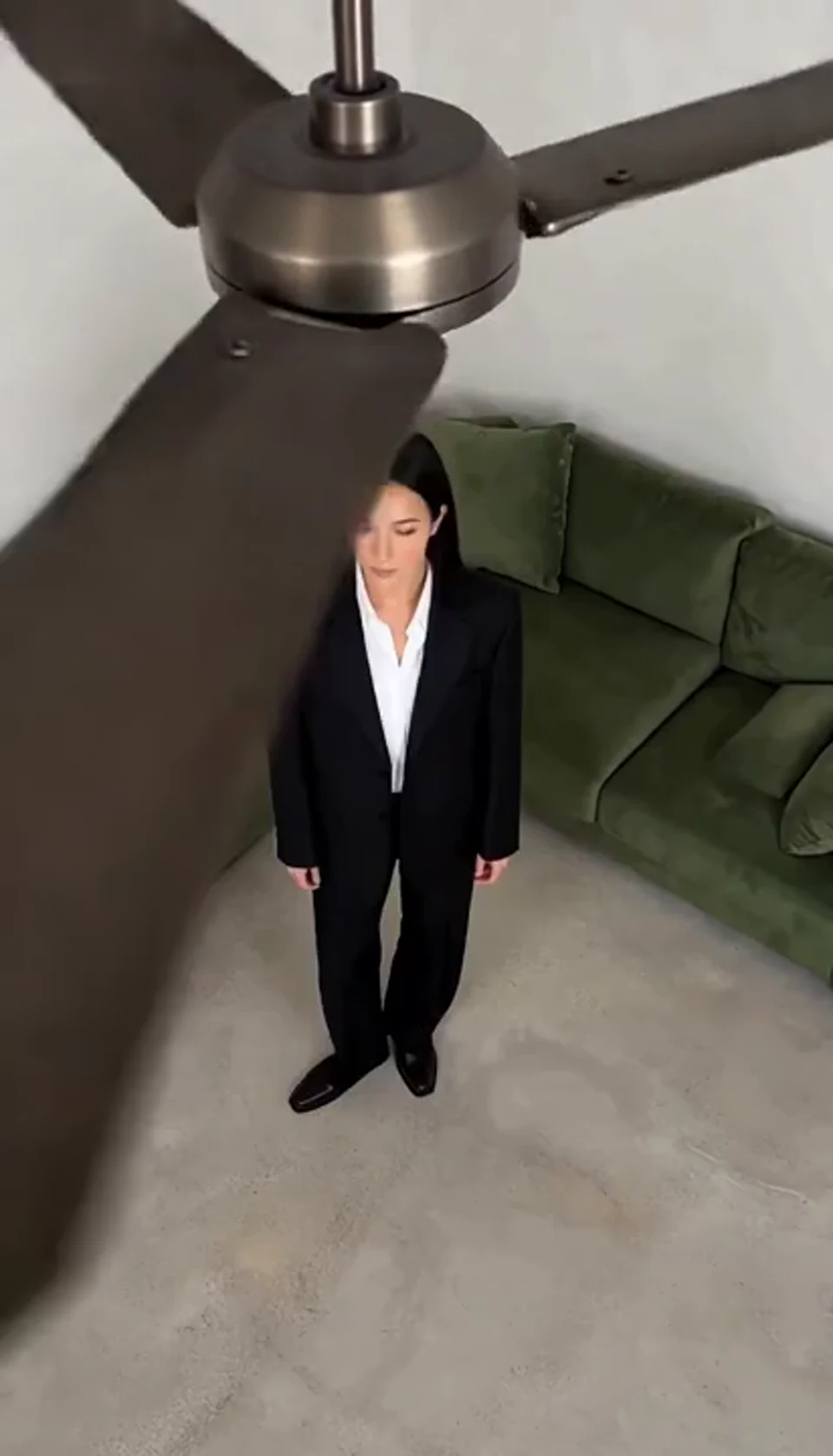
AI Ceiling Fan Transition Video
One fan-blade wipe reveals your next outfit. Bring your own photo into the scene.
Questions You May Have
Photo choices, styling and sharing.
What does this effect turn my photo into?
Move from a close view of the hood and grille to a smooth shot alongside the body, then back toward the windshield. Wheels turn, the road unfolds and sunlight travels across the paint, giving a still Mercedes photo the calm presence of a moving car.
What kind of photo works best?
Upload a clear image of the whole car, preferably from a front three-quarter angle.
What angle works for the car photo?
A front three-quarter angle can show the nose, body and wheels together. Keep the whole car visible and choose natural light.
Do I need filming or editing experience?
No. Choose your photo, watch the example and select Generate to create your own effect video.
Should the wheels and body be fully visible?
Yes, when possible. Clear wheels, grille and body lines give the video more of the vehicle’s exterior to show.
Can I use a parked garage photo?
Yes, if the vehicle is clearly visible. Natural light and fewer obstructions help show the paint color and body lines.
What can I use the video for?
Share a car post with sunlight and driving motion. Introduce your own car through a rolling shot. Mark a new-car memory or a road-trip celebration.
Can I save and share the video?
Yes. Save a favorite video for your social posts or combine it with other footage in an edit. Get permission before using a friend’s photo.
Bring Your Mercedes Photo into a Cinematic Drive
Upload a photo of your car and let the body lines, sunlight and road come to life.
Create My Video