
GTA Style AI Generator
GTA Style AI Generator
Only upload photos of yourself or of people who agreed to take part.
Saved AI-generated example. Upload your photo to create a personal result; your result will vary.
Your Photo, a New Open-World Mood
Turn Your Photo into a GTA Style Character Video
Give a familiar face the energy of an illustrated open-world protagonist. This photo-to-video template combines bold contours, cel-shaded shadows and a palm-lined city backdrop in a short character reveal.
Upload one clear photo and let the prepared scene bring your character to life beside a sports car. A restrained camera move and a confident final pose turn portrait art into a clip you can share.
- One photo
- Illustrated character art
- City-scene reveal
- Downloadable video
How to Create Your GTA Style Video
Upload a photo, review the prepared effect and generate a new clip.
Upload Your Photo
Use one clear photo with an unobstructed face. An upper-body or full-body portrait helps the outfit read clearly.
Review and Generate
Check the prepared template, available settings and current credit quote. Start generation when you are ready.
Preview and Download
Watch the complete result, check the details that matter to you and download the finished video.
GTA Style AI Generator Features
A prepared visual direction, with a personal subject at the center.
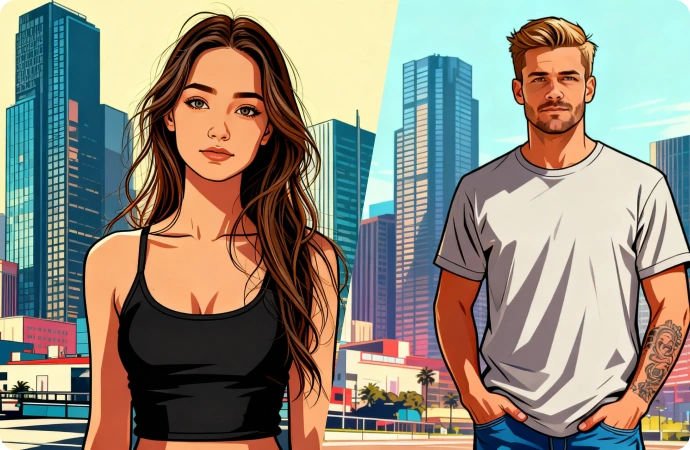
Bold Character Art with a Familiar Face
Translate recognizable facial features, hair and outfit colors into strong outlines and clean blocks of color. The illustrated finish is the focus of this template.
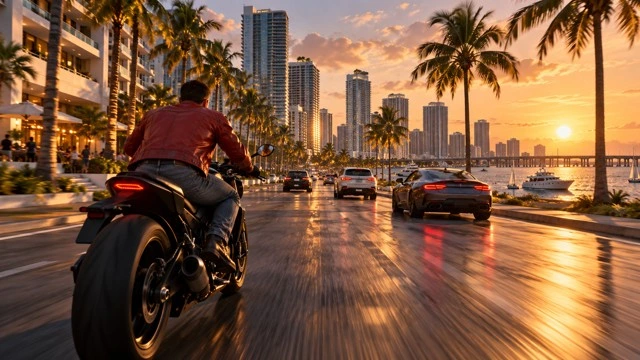
A Cinematic City Atmosphere
Palm silhouettes, warm sunset light and a sports car give the prepared scene an open-world mood. The setting frames your character without a busy game interface.
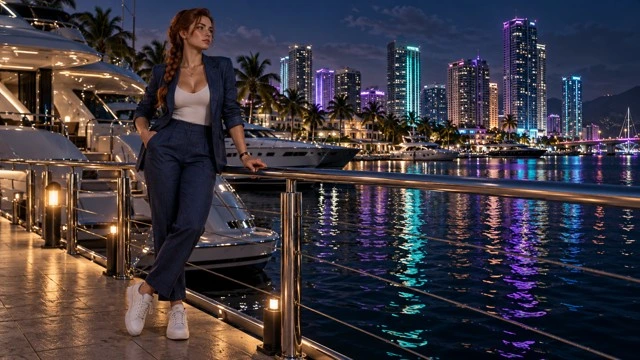
A Character Reveal for Your Next Edit
Gentle movement and a strong closing pose make the result useful as a profile intro, a fan edit or a visual beat in a longer reel. Preview the motion before saving.
Make It Part of Your Next Creative Edit
Use the finished clip as one moment in your own story.
Profile and Creator Intros
Introduce yourself with a short illustrated character reveal.
Game-Inspired Fan Edits
Add an original character moment to a personal creative edit.
Photo Tips for a Clearer Result
A useful source photo gives the effect a stronger starting point.
Works best
- Choose a single person with a clearly visible face.
- Use even light and a simple, recognizable outfit.
- Check the illustrated face and hands before downloading.
Avoid
- Tiny faces, heavy blur or crowded group shots.
- Expecting a playable game character or a game file.
- Expecting selectable city scenes on this prepared template.
More AI Video Templates Like GTA Style AI Generator
Try another trending effect with the same photos.
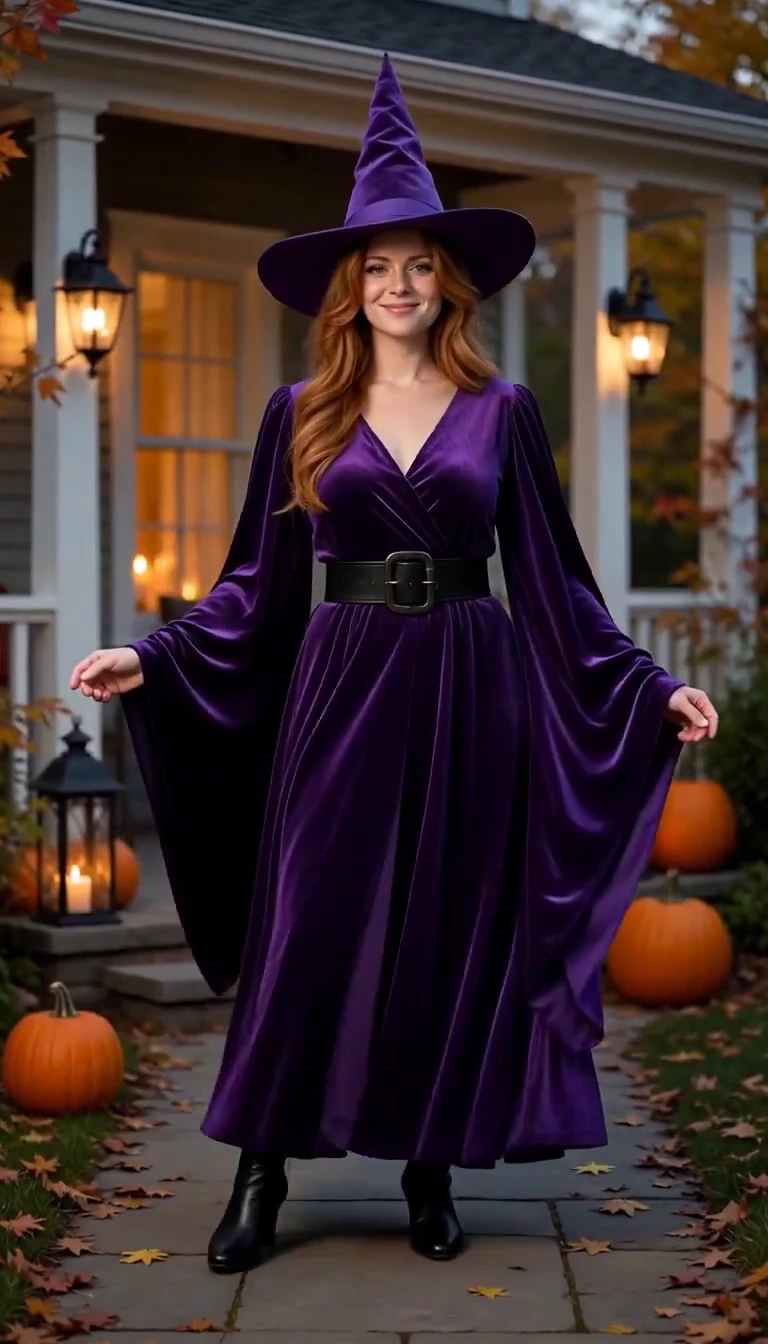
AI Halloween Costume Transformation
Reveal a witch costume with a turn, violet smoke and a final pose.
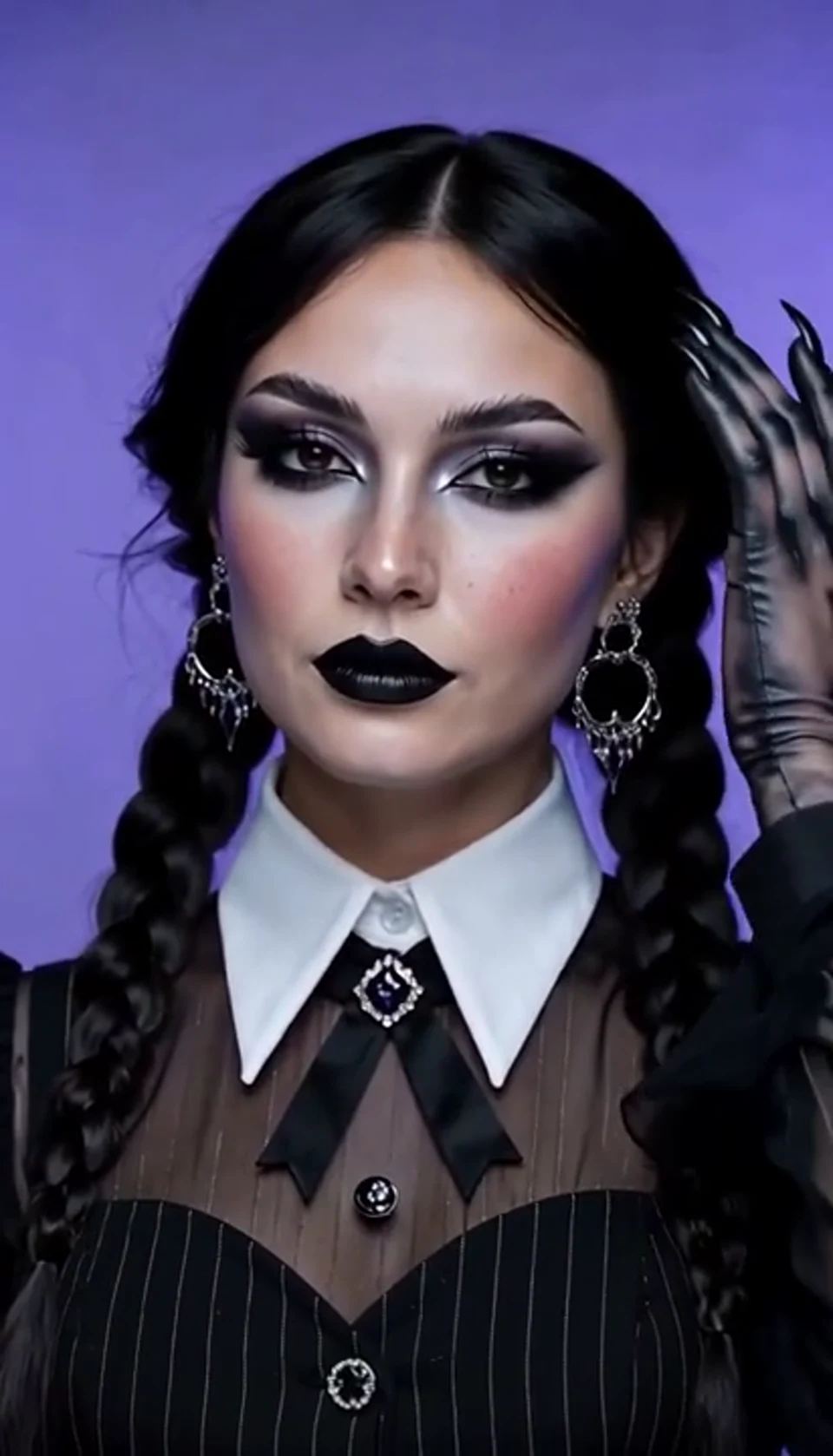
AI Halloween Video Effect
A theatrical hand swipe reveals a gothic costume. Bring your own photo into the scene.
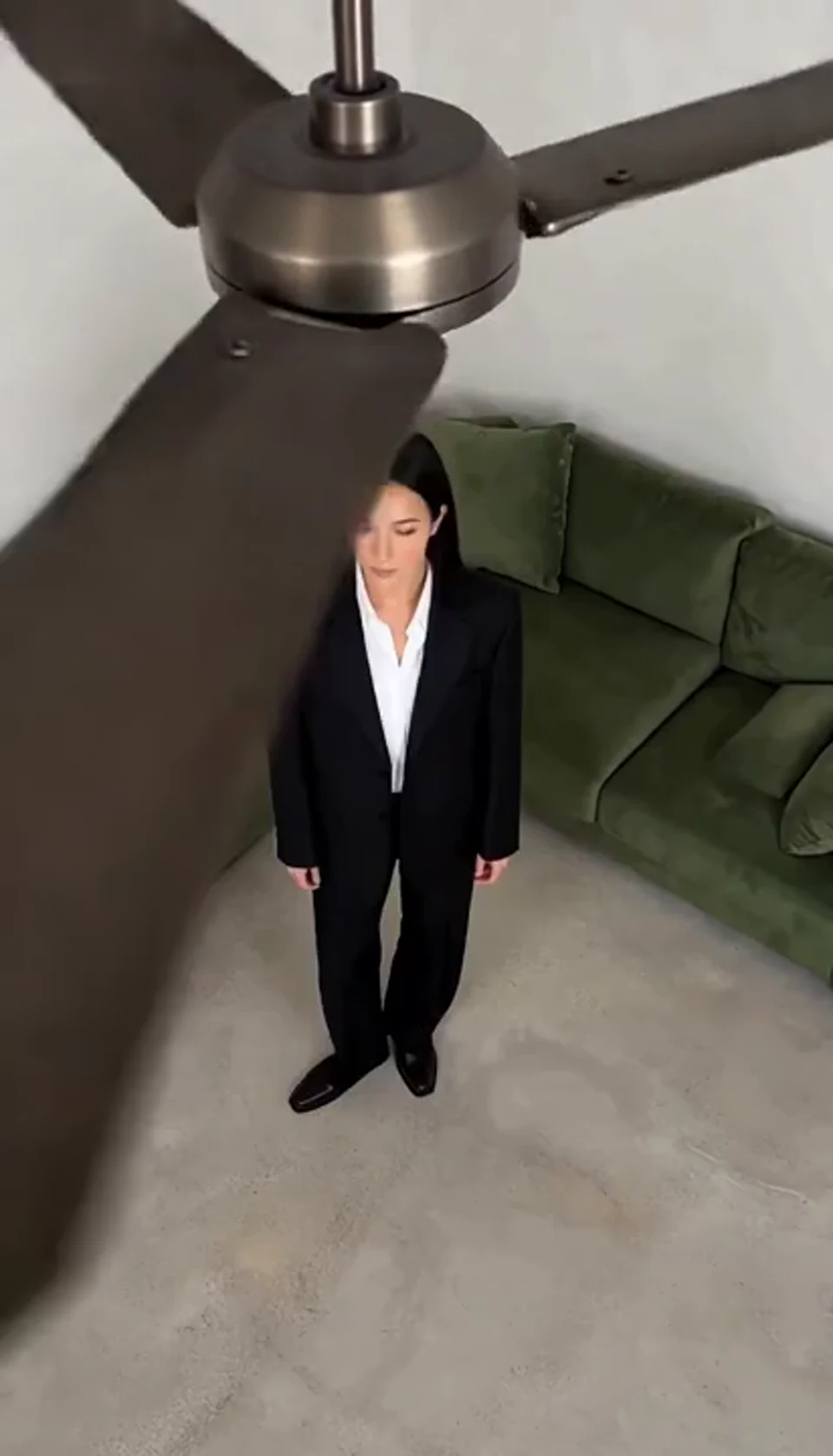
AI Ceiling Fan Transition Video
One fan-blade wipe reveals your next outfit. Bring your own photo into the scene.
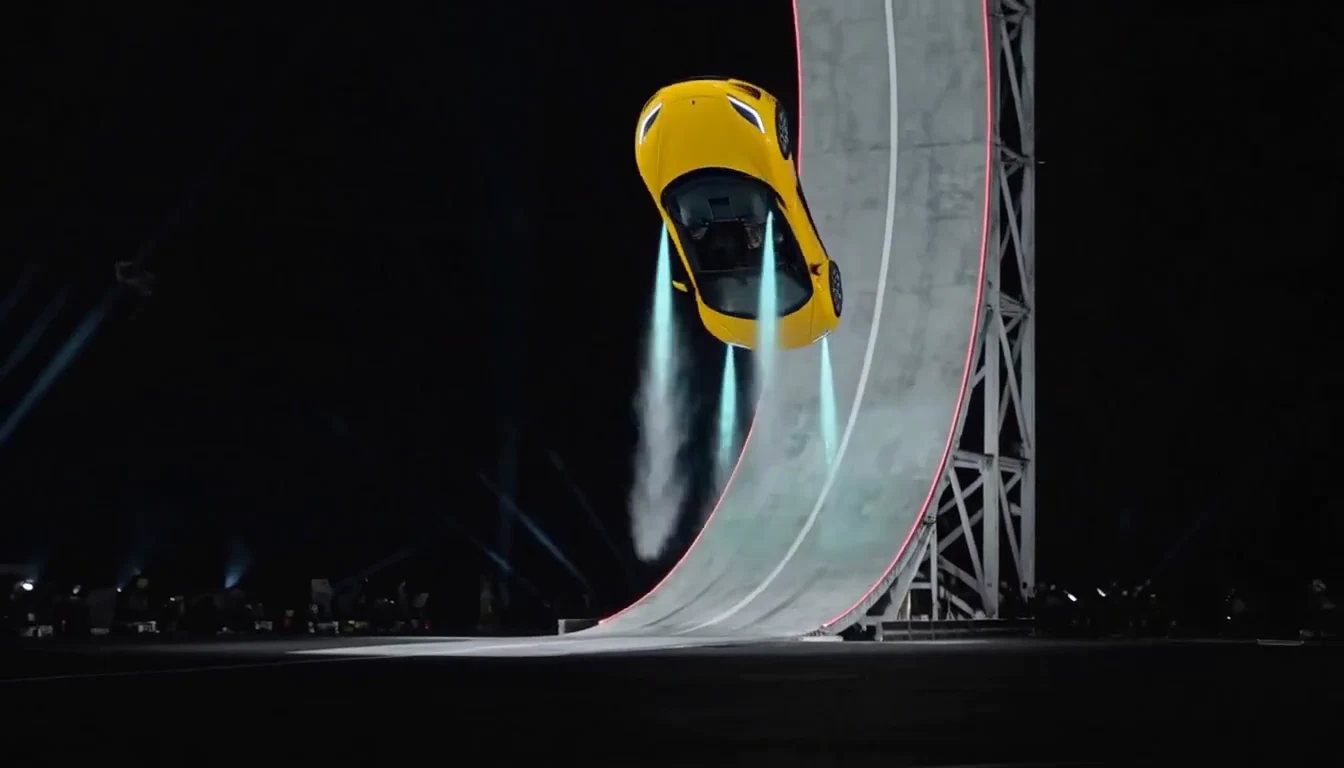
Tesla Roadster & Flying Car AI Video Generator
Turn your car photo into a Tesla Roadster-inspired ramp launch, kickflip or thruster landing. Explore nine flying car scenes, including traffic escape and tunnel walls.
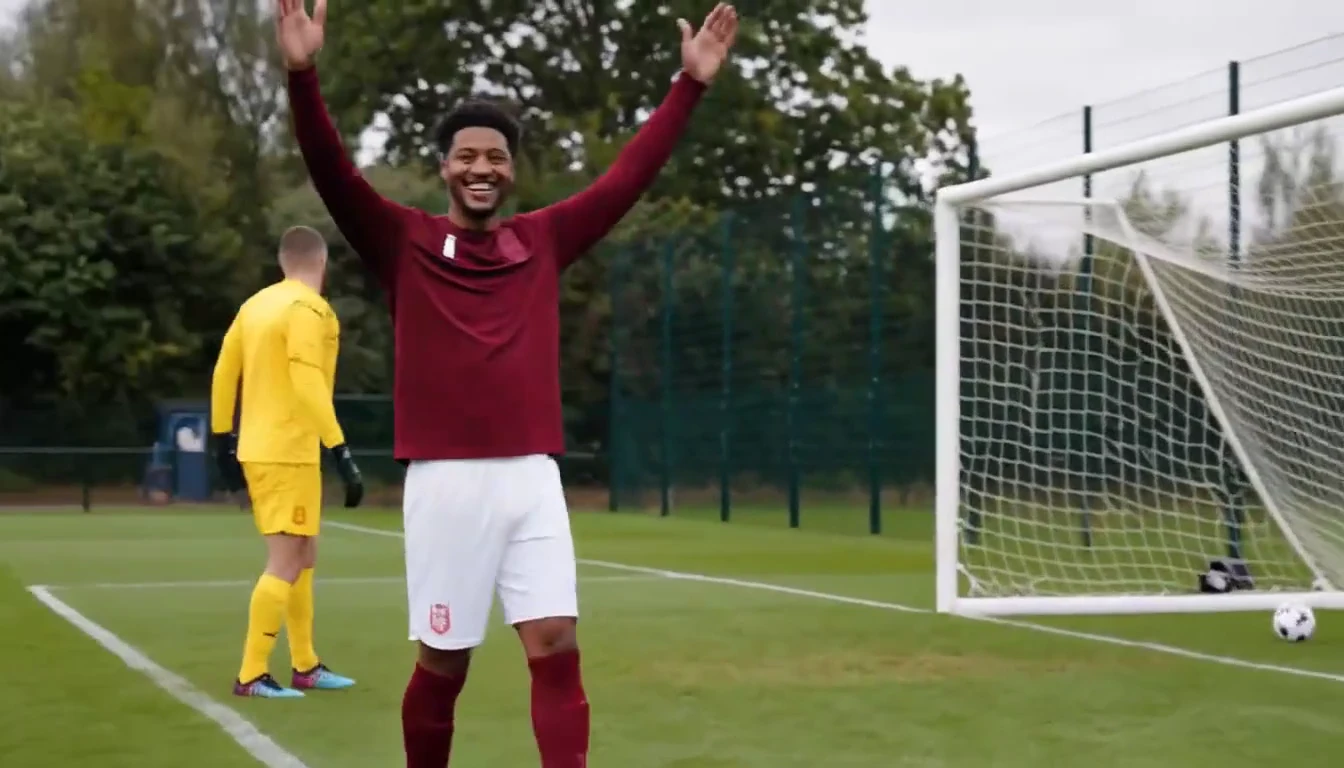
Ozil Goal AI Video Generator
Put a new hero into a chip, dribble and empty-goal finish.
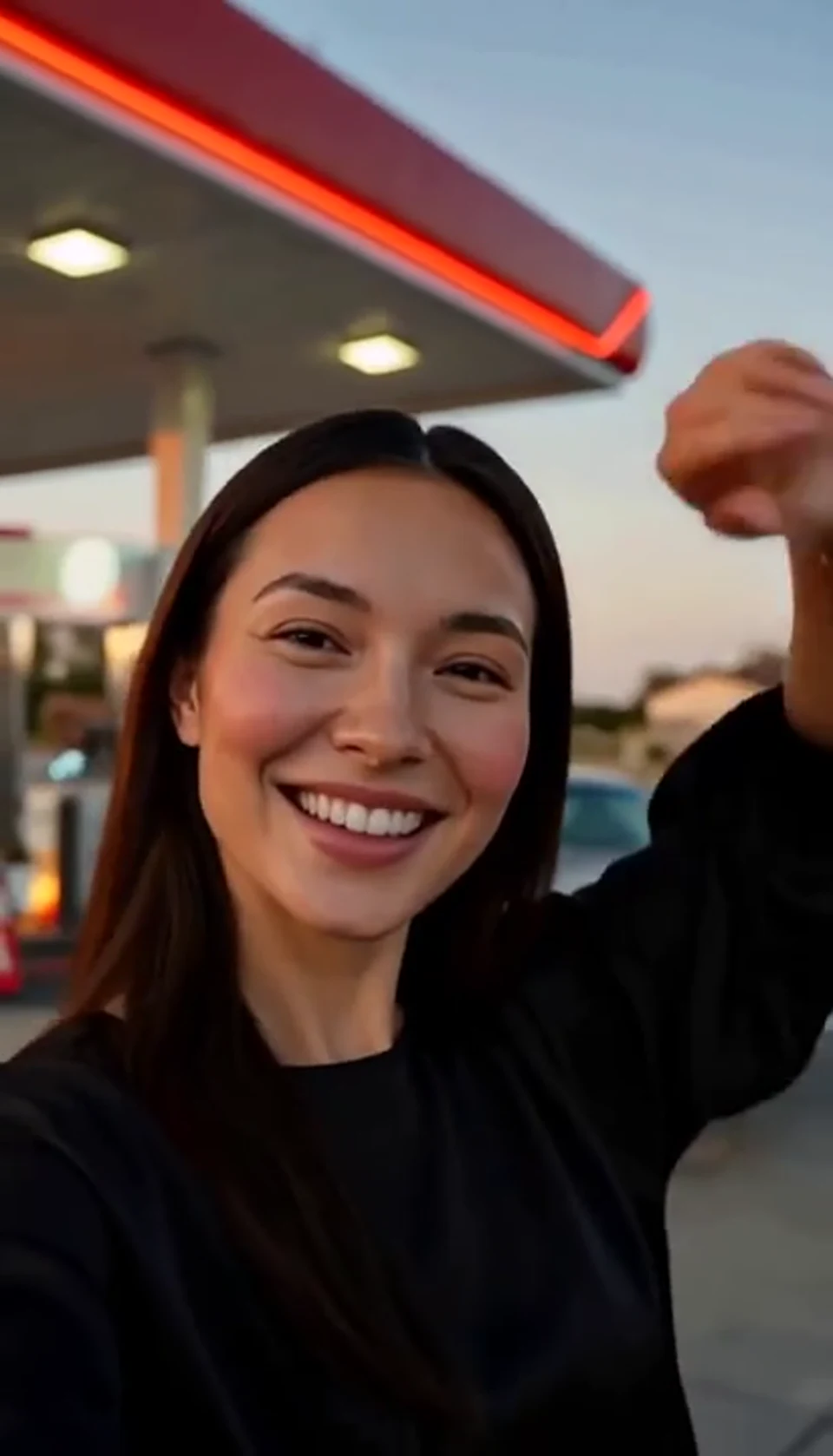
AI Gas Station Dance Video
A sunset dance, a selfie and a cinematic car exit. Bring your own photo into the scene.
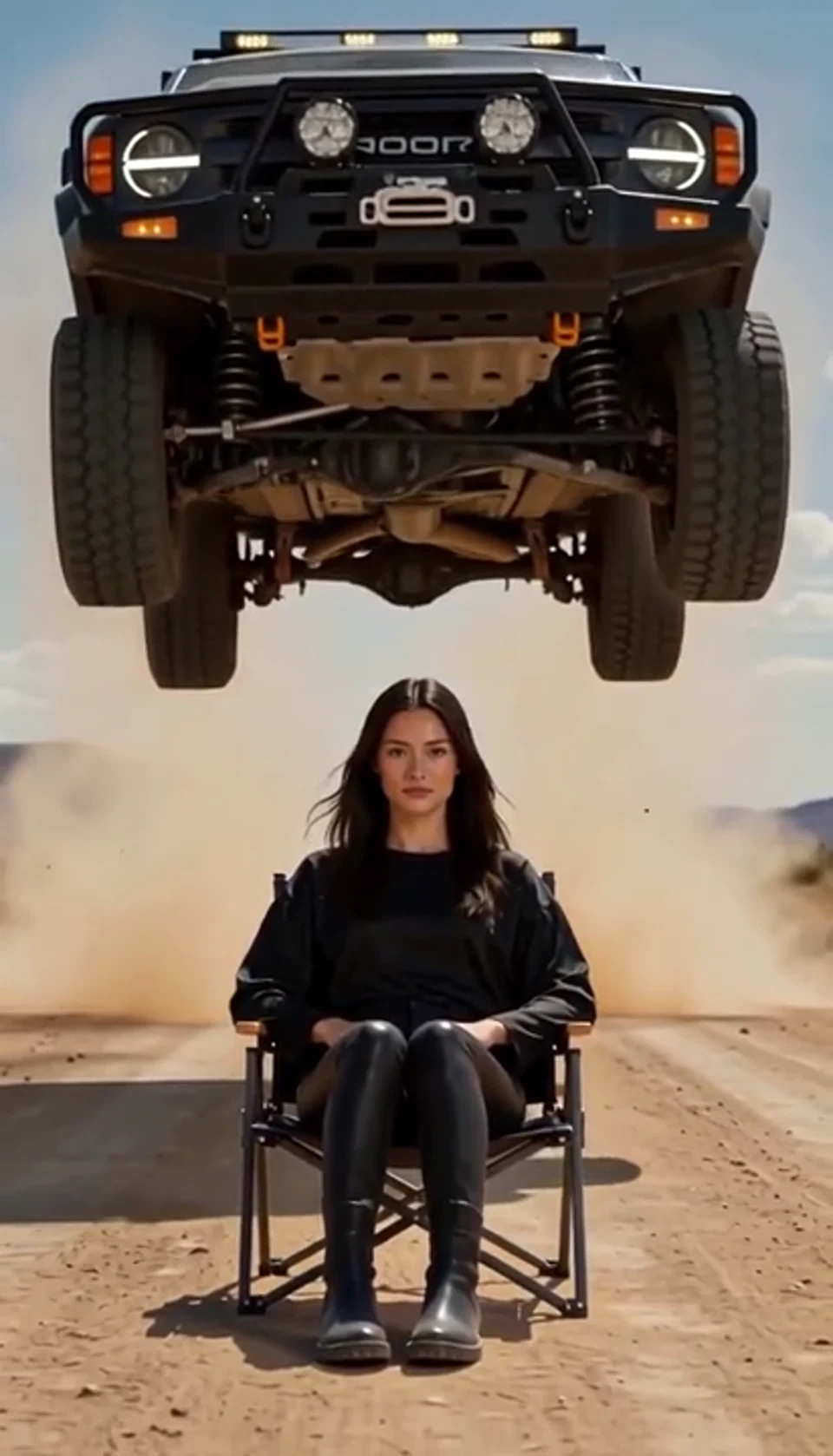
AI Car Jump Video
A calm portrait becomes a dramatic desert stunt. Bring your own photo into the scene.
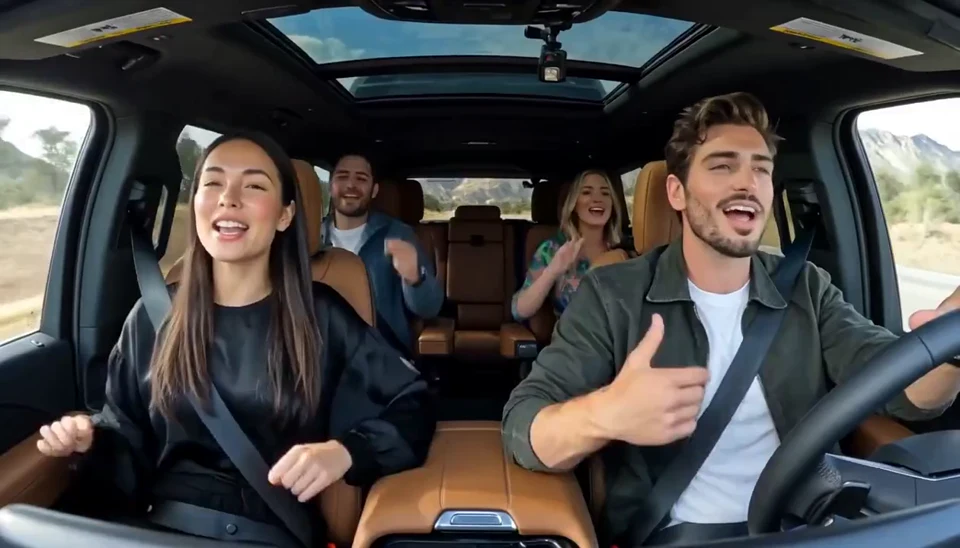
AI Carpool Karaoke Video
Two photos become one lively dashboard singalong. Bring your own photo into the scene.
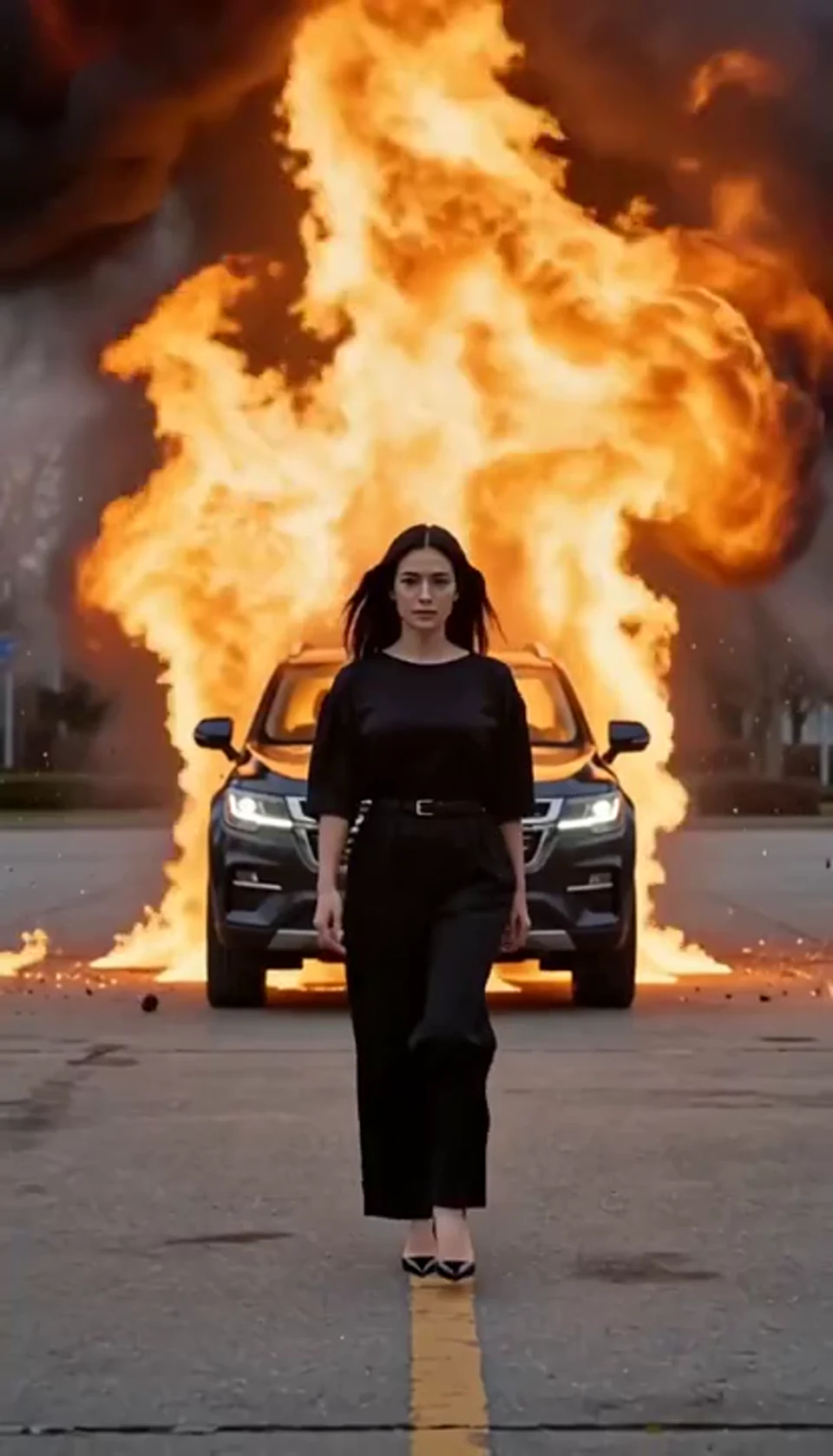
AI Car Explosion Video
Walk toward the camera as the SUV erupts behind you. Bring your own photo into the scene.
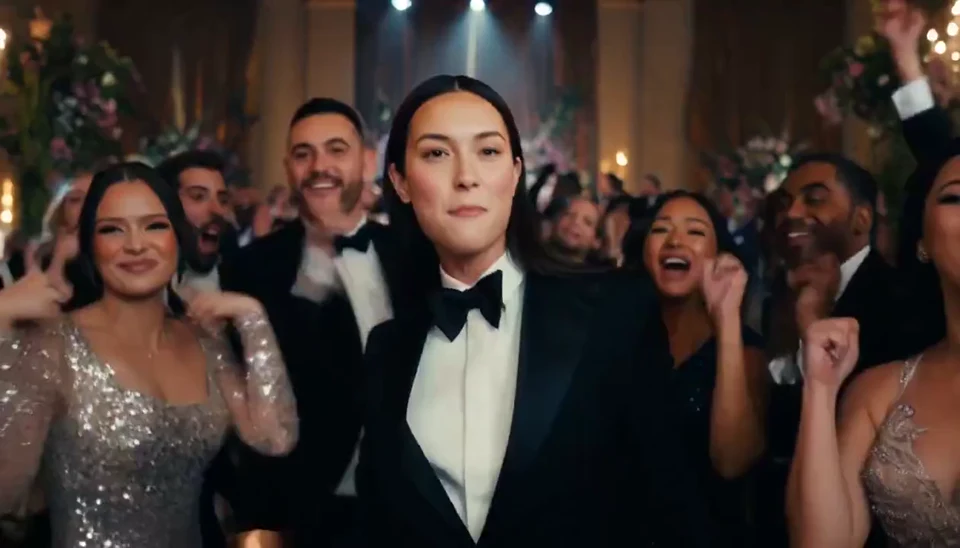
AI Burning Bridges Party Video
A portrait joins a lively ballroom party. Bring your own photo into the scene.
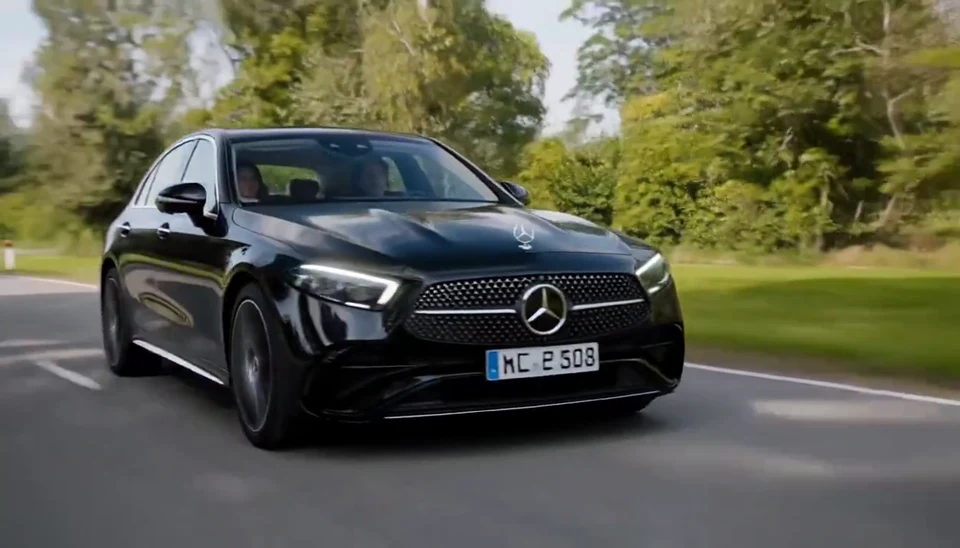
AI Mercedes Car Video
Your car photo becomes a cinematic driving shot. Bring your own photo into the scene.
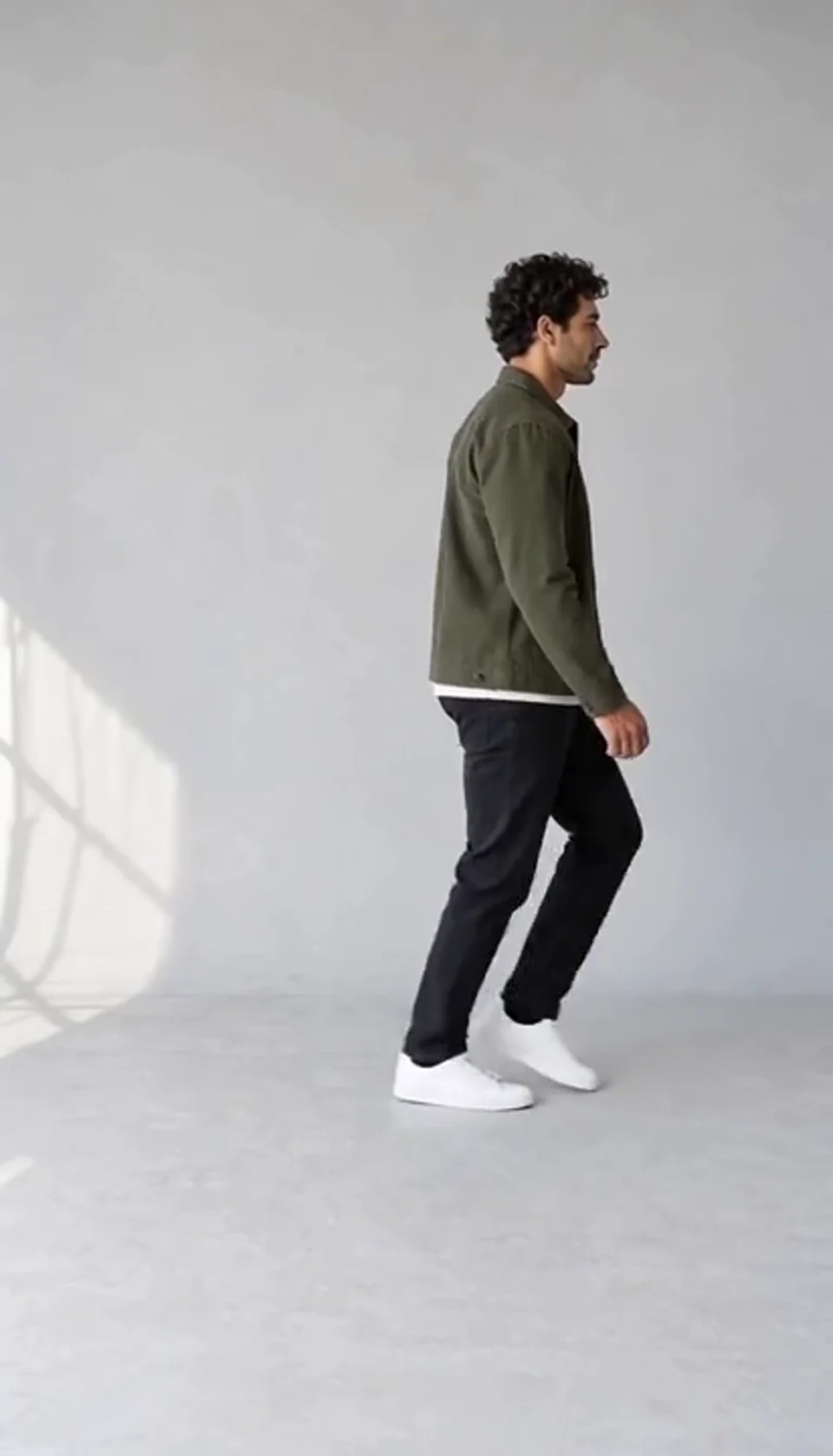
AI Moonwalk Dance Generator
Turn one full-body photo into a short moonwalk dance. A steady side view keeps the sliding steps and your recognizable outfit in focus.
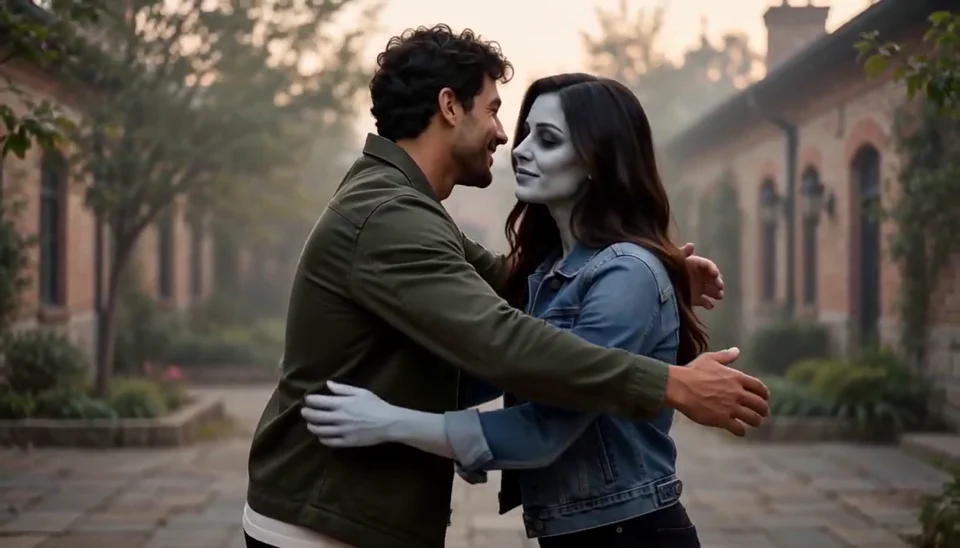
AI Zombie Love Story Generator
Bring two portraits into a tender fictional reunion: a human survivor recognizes their zombie partner, embraces them and remembers a warmer moment together.
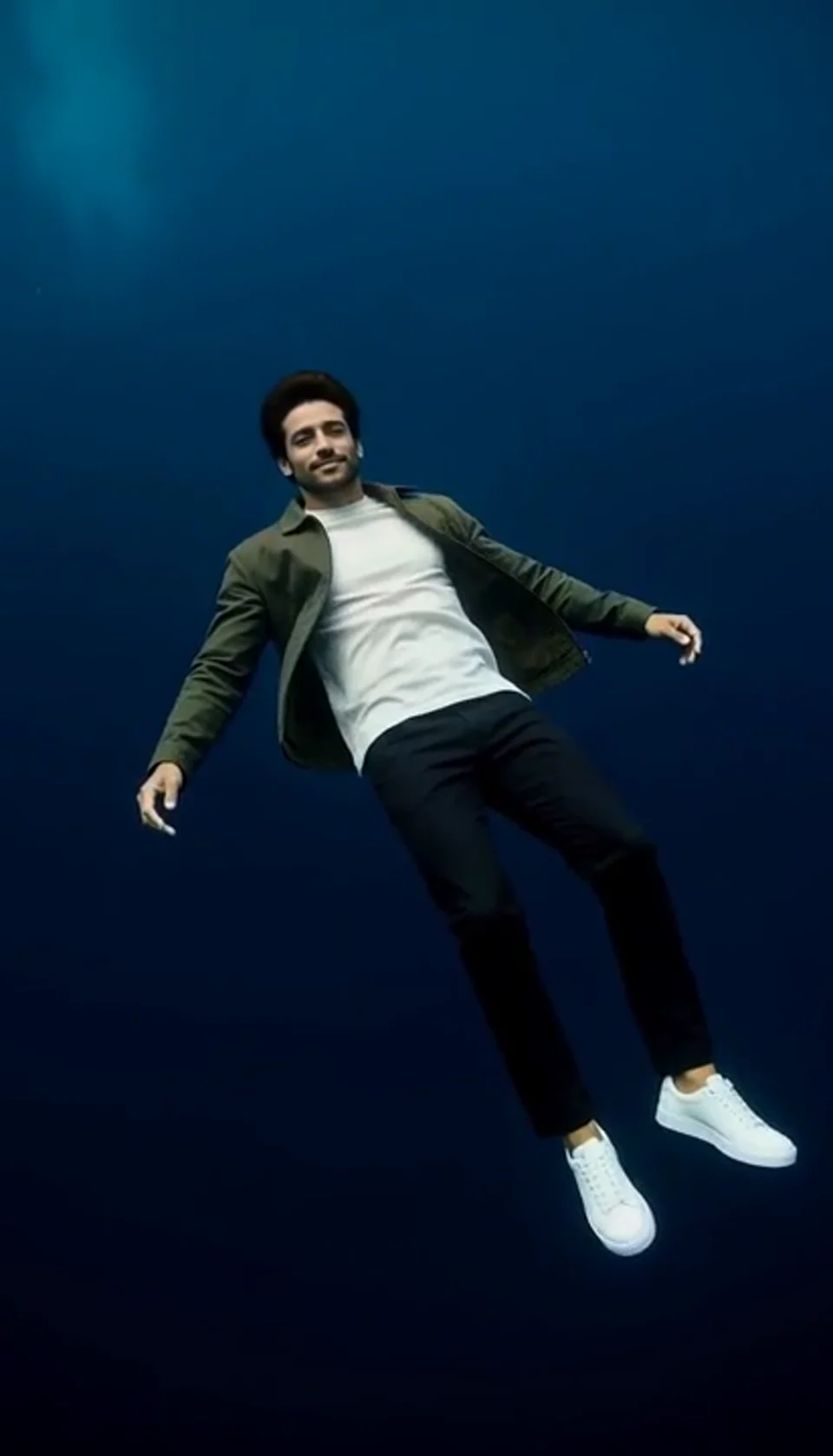
Deep Sea AI Video Effect
Turn one portrait into a dreamlike underwater scene. Drift through dark blue water with gently moving clothing, soft light and one calm camera move.
GTA Style AI Generator: Questions Answered
Check what this template creates before you generate.
Does this create a picture or a video?
This page creates a short character video inspired by GTA-style poster art. It is a video adaptation of the illustrated look, with a prepared city scene and gentle character movement. It does not export a game asset.
What makes the GTA-style look distinctive?
Bold dark outlines, flat shaded color, strong light and shadow, and a fictional urban setting give the character a graphic open-world poster feel. The template uses original scene direction rather than a game interface or loading-screen logo.
Can I choose a different background or write a custom scene?
This template supplies one prepared sunset city scene. Upload your photo and review the workbench settings. For a different setting or a custom story, use the general video generator.
Do I need to write a prompt?
The template supplies its own scene and action direction. Upload the required photo, review the settings and credit quote in the workbench, then generate.
Are all the images on the page generated samples?
The video in the workbench is a saved AI-generated demonstration. The separate captioned artwork illustrates visual ideas and styling; it is not a matched before-and-after result of your upload.
Can I preview and download my finished video?
Yes. When your generation succeeds, watch the full clip in the result panel and use the download action. Watching the public sample does not start a generation.
Create Your Own GTA Style Character Reveal
Choose your photo and review the workbench to get started.
Create Your Video