Hotel Lobby AI Video Template

Upload two photos and star in a 10-second Hotel Lobby-style rap duo, with original AI-generated audio.

First performer
Second performer
Required Credits0
Your video
Style preview. Your video uses your photos and original generated audio.
Browse all templates

Join the Migos Hotel Lobby AI trend

Put yourself and a friend in the spotlight with a playful rap duo inspired by the Migos Hotel Lobby AI trend. Start with two portraits and let the template set the scene: a bright orange backdrop, a hanging microphone, and two performers sharing the beat. ViewMax generates a 10-second clip with original audio, ready for you to preview and make part of your own story.

  • Two portraits
  • One shared performance
  • Original AI audio
  • 10-second video
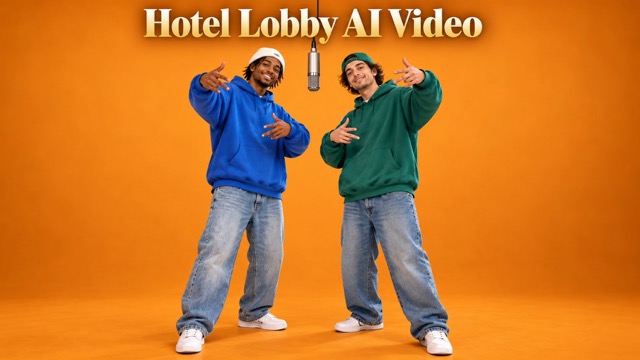
Two performers in blue and green hoodies on an orange Hotel Lobby stage

Create your AI Rap Duo in four steps

From your first photo to the finished duet in four steps.

  1. 1 / 4

    Choose your two performers

    Upload one portrait for each person. Pick clear, well-lit photos with visible faces and a similar camera angle.

  2. 2 / 4

    Set the frame

    Choose Auto or a specific aspect ratio, then select 768P or 2K. The template supplies the scene and 10-second performance direction.

  3. 3 / 4

    Generate your duo

    Check the displayed credit cost and start generation. Both photos guide the characters while AI creates the performance and original rap audio.

  4. 4 / 4

    Preview and download

    Watch the full clip and check both faces, movement, and framing. Download the result, then add your own caption when you share it.

Make the rap duo feel like your own

The casting is yours. The scene gives you a place to play.

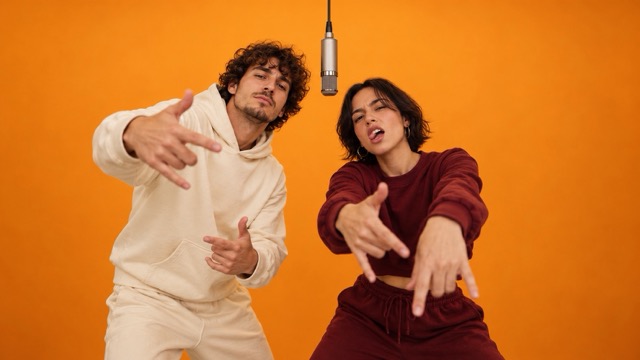
Two performers in cream and burgundy hoodies gesturing beneath a studio microphone

Two familiar faces, one unexpected stage

Choose the people who make the pairing work: you and a best friend, a partner, or a creative collaborator. Two separate portrait inputs give each performer a visual reference. Clear photos help the model follow the features that make the duo recognizable; review the finished clip to see how the pairing comes through.
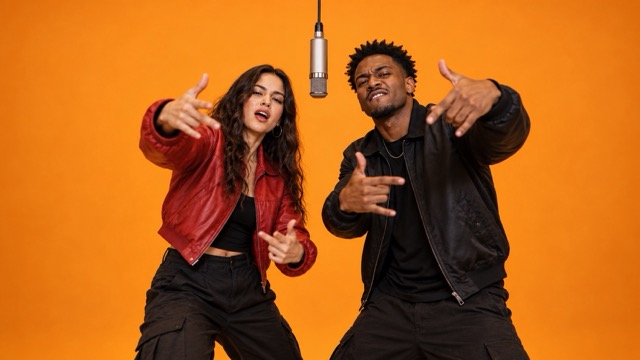
Two performers in red and black jackets sharing an orange studio stage

A performance built around shared energy

An orange studio, a hanging microphone, and rhythmic gestures give the video its rap-duo setting. The template provides the performance direction, and AI generates original audio with the picture. Preview the exchange between both performers and see how your chosen personalities change the scene.

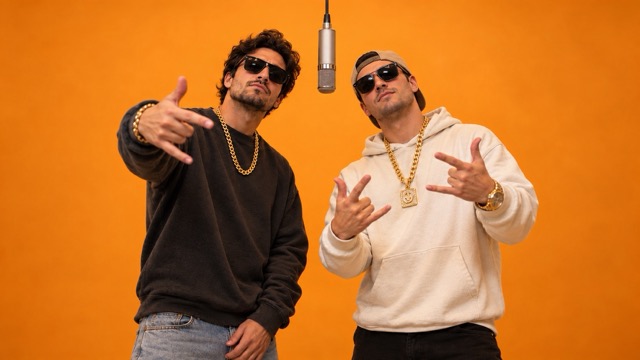
A rap duo in black and white hoodies with sunglasses and gold chains

A personal twist on a familiar format

The same setup can tell very different stories. Turn a running joke into a best-friend reveal, plan a lighthearted couple remix, or introduce two collaborators together. Start with a pair your audience knows, then give the clip its context with a caption written in your own voice.

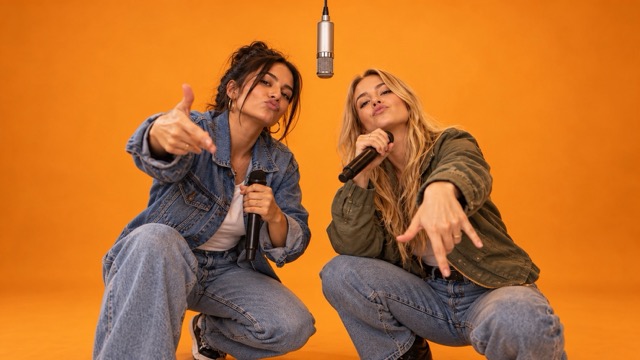
Two performers in denim and olive jackets holding microphones on an orange stage

Frame the moment for the way you share

Choose a vertical frame for a mobile feed, a square composition, or a wider view that gives both performers room. The editor offers Auto and six fixed aspect ratios, with 768P or 2K output. Every generated clip runs for 10 seconds, so you can build a short reveal around one clear idea.

Who will share your microphone?

Pick a pairing and give the performance a reason to exist.

Best-friend reveal

Cast the friend who always knows the joke. Build a surprise around your different personalities or a shared memory.

Couple remix

Put both of you on the same stage for a playful anniversary post or a new take on your usual photos together.

Creator collaboration

Introduce a joint project with two faces your audience recognizes, then explain the collaboration in your caption.

Original character pairing

Try portraits of two characters you created and explore how their contrast reads in a short performance.

Six ideas to get your duo started

Illustrative creative scenarios for different kinds of creators—not customer testimonials.

For a friendship creator

The quiet friend takes the mic

Pair the most outgoing friend with the quietest one. Let the surprise come from seeing both share the same rap stage.

For a short-video creator

A reveal before the real shoot

Use a short duo clip as a playful introduction to an upcoming project, with a caption teasing what you are making together.

For a lifestyle creator

An anniversary with a different beat

Choose two favorite portraits and turn the usual couple post into a performance with its own inside joke.

For a birthday planner

The birthday group-chat surprise

Cast the birthday person and a familiar friend. Send the finished duet with a message that makes the pairing personal.

For a community creator

Meet your next co-host

Introduce two hosts or community collaborators together, then use the caption to tell viewers where to find the project.

For a character designer

An unlikely character duo

Bring two original character portraits into the scene and compare the mood their personalities suggest as a pair.

Hotel Lobby AI video template FAQ

Photo tips, formats, audio, and what to expect before you generate.

What is the Hotel Lobby AI video template?

It turns two portrait photos into a 10-second rap duo inspired by the Hotel Lobby trend. The template supplies the scene and performance direction; your photos guide the two characters.

Is it free to generate a video?

Generation uses ViewMax credits. The editor shows the required credits before you submit, and the amount changes with the selected resolution. Check your available balance in your account.

Which photos work best?

Use one clear portrait per person, with the face toward the camera and no heavy blur, strong shadows, or obstructions. Similar framing and lighting give both performers useful visual references.

Do I need a reference video or a prompt?

No. This template already includes the scene and performance direction. Upload the two portraits, choose your aspect ratio and resolution, and generate.

Does the video include the original Hotel Lobby song?

The template generates original rap audio with the video. It does not add the original Hotel Lobby recording or reproduce its lyrics.

What duration, resolution, and aspect ratios can I choose?

Every generated clip is 10 seconds long. Select 768P or 2K, with Auto, 21:9, 16:9, 4:3, 1:1, 3:4, or 9:16 framing. Auto lets the model choose the framing.

Will every face and movement match perfectly?

AI results can vary. Watch the full clip to check both identities, hands, gestures, and framing. If a face is unclear, a sharper and more direct portrait may give a later attempt a better reference.

Can I download and share the finished clip?

Yes. Preview and download the video when generation completes, or find it later in My Creations. Add your own caption for the channel where you want to share it and use photos you have permission to use.

Your next duo starts with two photos

Choose who shares the stage, set your frame, and turn a familiar pairing into a 10-second rap moment.

Two performers in blue and green hoodies on an orange Hotel Lobby stage